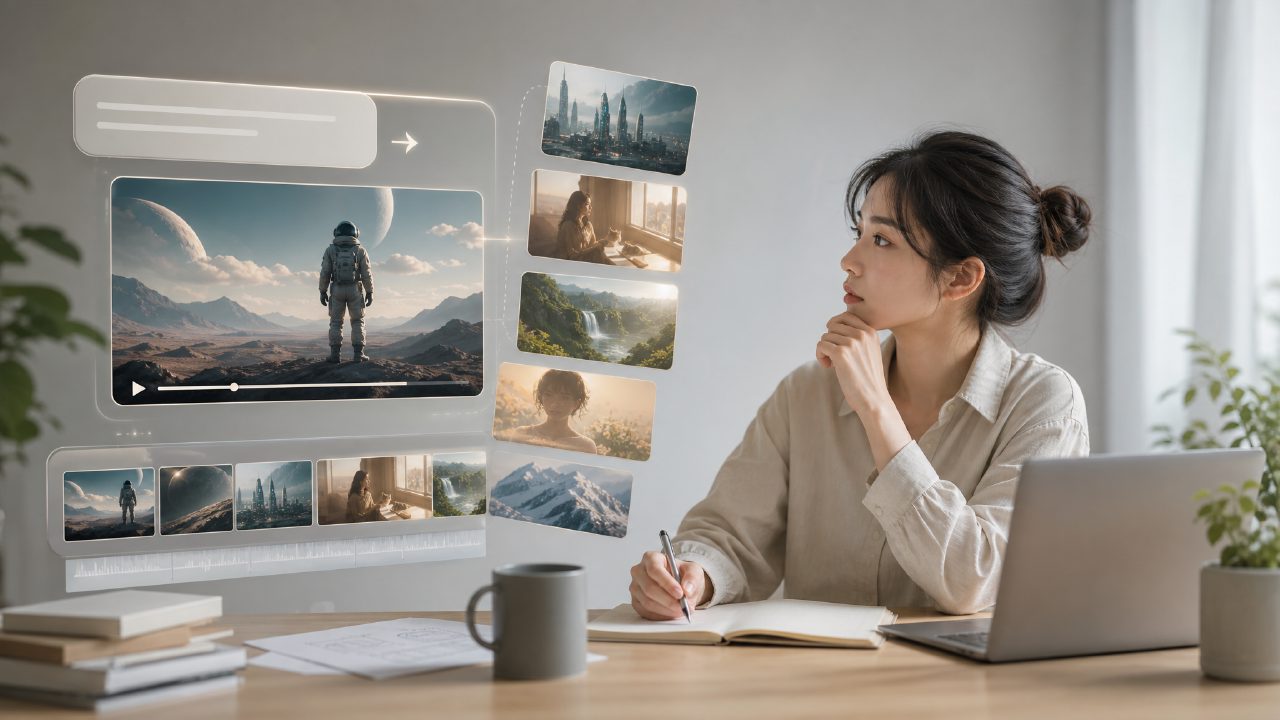
I've seen too many AI video disasters. Characters morphing faces, objects clipping through each other, frames flickering so much it hurts the eyes. For anyone trying to make something serious, it's hard not to doubt: Is text to video AI actually usable?
I spent a week repeatedly running videos on getsora2. Here are 5 truths I think are most worth reading, to save you some trial and error costs.
1. Speed is really fast, but don't expect a perfect first try
Enter a piece of text, and you get an initial version in roughly tens of seconds. Compared to traditional rendering processes that can take hours, this is indeed fast. But you need to be mentally prepared: the first generation will most likely not be what you want. You need to repeatedly adjust your wording, for example, adding specific descriptions like "close-up shot" or "natural light."
I tried describing "a dog running in the rain" in the style of sora, and getsora2 gave me a sunny result. Later, I changed the prompt to "wet street, splashing water, dusk," and it became much more like it.
2. Image quality is stable, but dynamic scenes have limitations
Scenes with static images or people talking retain details quite well. But once complex actions are involved—multi-person interaction, rapid speed changes, props intersecting—visible deformations appear. This is not unique to getsora2; it's a common bottleneck for current text to video AI.
If you want to shoot "two people high-fiving," chances are one hand will pass through the other. It is recommended to use close-ups or fixed camera positions to reduce failures.
3. Longer prompts are not necessarily better
I've seen people write hundreds of words of description, only to have the generated video go off track. My practical experience is: clearly state the core action, ambient light, and color tone, and leave the rest to the model. For example:
- Bad writing: "In the evening park, a girl in a red dress is reading on a wooden bench, surrounded by squirrels and fallen leaves, light is warm and soft, camera slowly pushes in…"
- Better writing: "Girl in red dress, park wooden bench, reading, dusk warm light, fixed camera." Simple content but clear instructions.
4. Real-world comparison: Who should use it, who should wait
I met a friend who makes short-form videos. He needs to produce 10 product demos every day. After trying getsora2, he shifted half of his generation work to AI, only manually touching up the edges. Another team working on movie concept art tried it and said, "Currently it can only be used for references, not directly in final cuts."
So if you're working on high-error-tolerance tasks like social media, promotional videos, or product showcases, text to video AI can already save you time. If you're working on final cuts or high-precision animations, I suggest waiting for the next iterations.
5. The learning curve is lower than you think
You don't need to know editing, color grading, or motion effects. Open getsora2, write text, see the result, delete and modify if unsatisfied. I taught my cousin, who knows nothing about video, and in ten minutes she created a healing short video of "a cat purring x rainy window view." It's almost like using a filter.
But the catch is: you need a bit of visual aesthetic to judge which shots are usable. AI doesn't necessarily understand "good composition"; you have to be the gatekeeper.
Conclusion: Text to video AI is worth a try, but stay clear-eyed
No hype, no hate—text to video AI already has practical value, especially on platforms like getsora2 that are ready to run out of the box. But it's not magic. You need to accept imperfections in the generated results, be willing to spend time tweaking prompts, and have basic judgement for visuals. If you can accept these, it can indeed multiply your content output speed.
I suggest trying a 10-second video first. Good or bad, it's more useful than daydreaming.
Comments
Leave a Comment