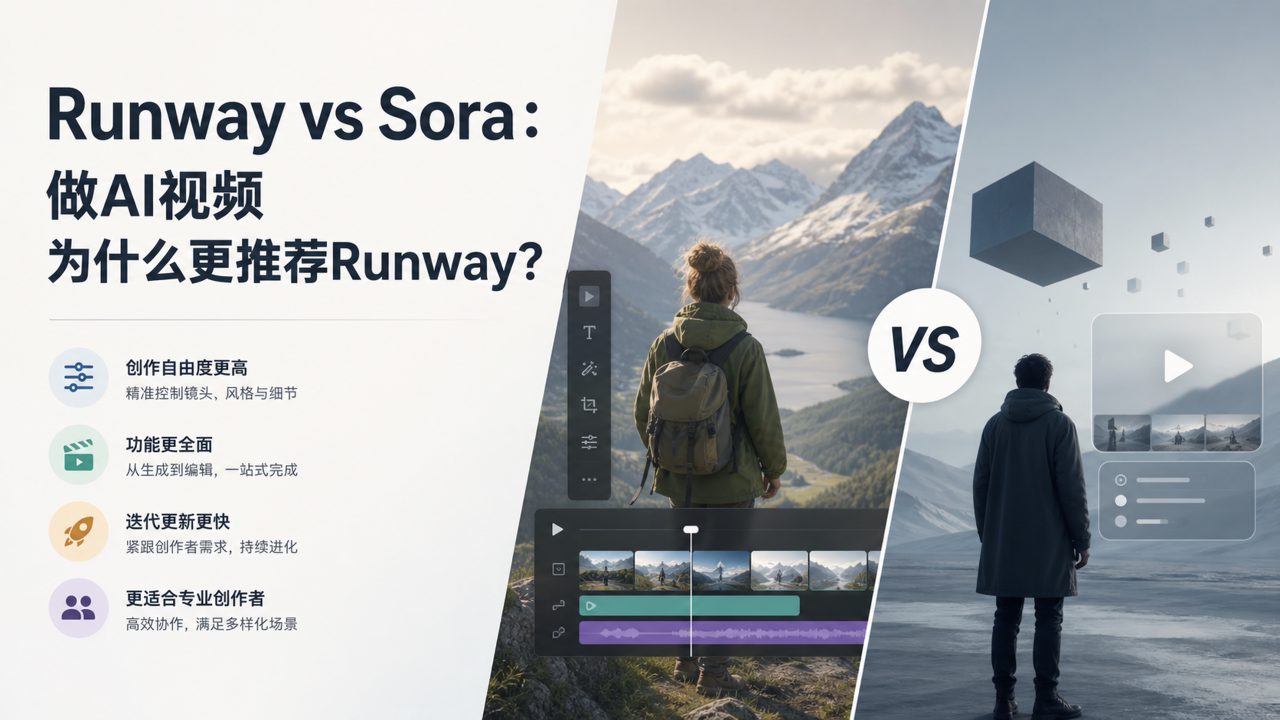
When it comes to making AI videos, many people immediately think of Sora. But to be honest, Sora hasn't been opened to regular users yet, and it's essentially a "generator" — you give it a text prompt, and it gives you a video clip. But what about after the video is generated? Editing, color grading, adding transitions, modifying specific parts — it can't do any of that.
That's when you realize that the tools truly usable in a workflow are actually of another category. Runway is the most mature one among them.
What Problems Does Runway Actually Solve?
Simply put, Runway is an online AI video editor. Unlike Sora, which only focuses on "creating something out of nothing," it starts from existing footage and helps you complete a variety of video processing tasks: one-click background removal, smart matting, video extension, slow-motion frame interpolation, text-to-video clips... Almost any common post-production need you can think of can be handled with AI.
Moreover, it runs in the browser without requiring any software installation — it works on Mac, Windows, and even iPad. This is especially practical for many non-professional editors — you don't need to learn Premiere or have a high-end computer.
I've used it for several product demo videos. The features I use most often are "background replacement" and "motion brush." The former lets you quickly cut out a person from live footage and change the scene, while the latter allows you to select a specific object in the frame (like a car) and apply effects or blur only to it.
How Does It Differ from Pure Generation Tools Like Sora?
Many people compare Runway and Sora side by side. But in reality, they solve problems at different stages.
- Sora: Generates videos from scratch, but you cannot finely control details in the frame or make post-production modifications.
- Runway: Processes existing videos, allowing you to precisely edit every frame and even generate supplementary footage to enhance the scene.
For example: you ask Sora to generate a video of "a car driving in the desert." The footage looks great, but the license plate is wrong or the car color is off — you can't fix it; you have to regenerate. But with Runway, you can first import some ordinary road footage, then use AI to generate a desert background and replace the original, adjust the color, and finally add a sandstorm effect via text prompts — in this process, you can manually fine-tune each step until you're satisfied.
So if you're a creative professional who needs to repeatedly adjust visual details, Runway's controllability is far superior to Sora's. But if you just want to quickly produce some concept videos during brainstorming to see the effect, Sora's pure generation approach is actually more convenient.
Advantages and Limitations in Real-World Scenarios
Runway's strength lies in "fixing" and "augmenting," not "creating." Its most suitable scenarios are:
- You already have footage but are dissatisfied with a certain part and want to use AI for local modifications
- You want to quickly add effects to short videos but don't want to learn professional software
- You need to process large batches of videos (e.g., automatic background removal, uniform color grading)
However, if you have no original footage at all and hope to get a complete finished video by just typing a prompt like with Sora, Runway's text-to-video feature is still relatively basic. The generated clips are limited in length, and the quality is far from the cinematic effects shown in Sora's demos.
Another practical issue is export quality. The free version defaults to lower output quality, which is sufficient for social media short videos, but for commercial use or large screens, you need the paid version to unlock higher resolutions.
Who Should Use It and How to Choose: A Simple Decision Method
You have shooting footage, or you're used to shooting first and editing later → Choose Runway
You have no video footage at all and just want to produce concept visuals by typing → Wait for Sora or use other text-to-video tools for now
You want to combine both: use Sora to generate a rough draft, then import it into Runway for detailed refinement → This combination is currently the most efficient
Many AI video creators' actual workflow now is "Sora for the rough draft -> Runway for details." Although Sora hasn't officially launched yet, once it opens, this combination can cover almost the entire process from inspiration to delivery.
So don't get hung up on "which one is better"; instead, look at which stage you're stuck at. If you've been tormented by post-production processing of footage multiple times, Runway is the simplest solution for now.
Comments
Leave a Comment