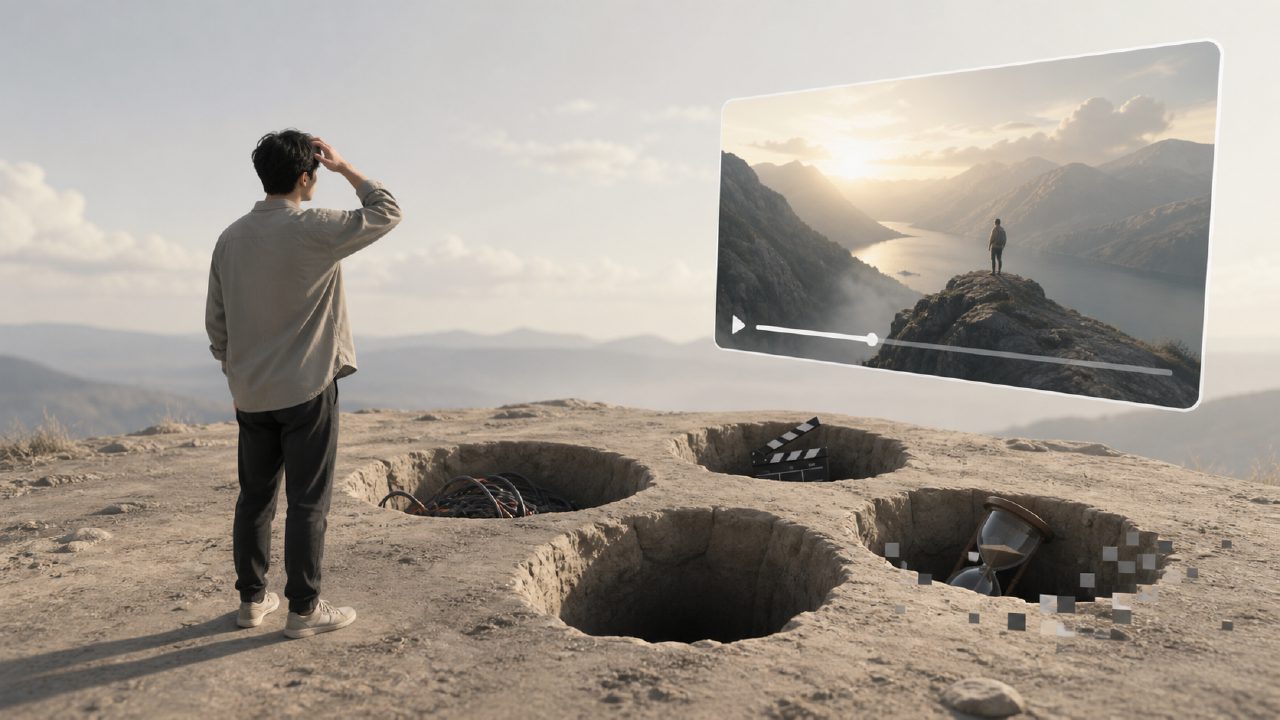
If you've already seen many demos of AI video generation tools, you probably expect Veo to be a "input a sentence and get a cinematic short film" experience. After actually using it, many people find it's not that simple.
The biggest misconception is equating Veo with Sora. Although they both belong to the AI video generation track, the technical routes and product logic differ considerably. Veo emphasizes fine control over video quality and integration with existing editing workflows; but the problem is that it's not a "one-click video production" tool.
The first common pitfall is material preparation. Many people directly type a sentence and expect a finished product, only to find the output either has mediocre composition or the motion is completely unexpected. Veo actually relies heavily on "prompt engineering". You need to describe the camera language, motion, scene atmosphere, and even specific lighting direction. A prompt like "a person walking on the street" versus "low-angle tracking shot, backlit at dusk, asphalt road reflection, moderate swing of the shoulder bag" yields outputs at entirely different quality levels.
Common Pitfalls with Veo
First, expecting too much from "consistency". Clips generated by Veo perform well within a single shot, but if you want the same character or scene to look identical in appearance, movement, and clothing across multiple videos, it will basically fail. Current technology cannot guarantee character consistency across clips unless you use additional post-production tools to lock it in.
Second, large motion breaks it. This is a common issue with almost all AI video tools, and Veo is no exception. Fast rotations, violent shakes, or large flipping movements by characters often result in image distortion, deformed limbs, or background flickering. If you need fight scenes or car chases, it's best to run small-scale tests first rather than directly generating long segments.
Third, audio and lip-sync is a hidden trap. The videos generated by Veo do not come with high-quality dubbing. Even if you add dialogue in post-production, the lip movements won't match. There are some third-party tools on the market that can fix this, but the results depend heavily on the source video's frame rate and facial clarity, often requiring repeated adjustments.
What to Really Pay Attention To
Veo's strengths and weaknesses are quite clear. It is suitable for short shots that need visual impact, such as product displays, atmosphere clips, and concept previews. In these scenarios, generation speed is fast, images are clean, and style is adjustable. But it is not suitable for narrative-heavy sequences requiring multiple shot transitions, nor for commercial material with strict consistency demands.
Another easily overlooked pitfall is post-processing of the output. Videos directly generated by Veo often have slight flickering or unstable lighting. If you put them directly into your final footage, viewers will immediately recognize them as AI-generated. If you care about image quality, you'll need to do noise reduction, color grading, and even frame interpolation in post. This is not a problem with the AI tool but a reality you must accept at this stage.
If you're using it for the first time, it's recommended to start with single shots under 5 seconds. First get a feel for how the same prompt yields different results under different seeds (Veo's non-determinism is strong), then consider scaling up. Don't jump straight into 15-second long takes, or the output quality will drive you to doubt your sanity.
Ultimately, Veo is a tool that requires "human-machine collaboration", not a black box that replaces creative personnel. If you're willing to spend time refining prompts, accept multiple trials and errors, and have basic editing and post-production skills, it can produce interesting results. But if you expect an experience closer to Sora with low barriers and high ceilings, you may need to give the technology a bit more time to mature.
Comments
Leave a Comment