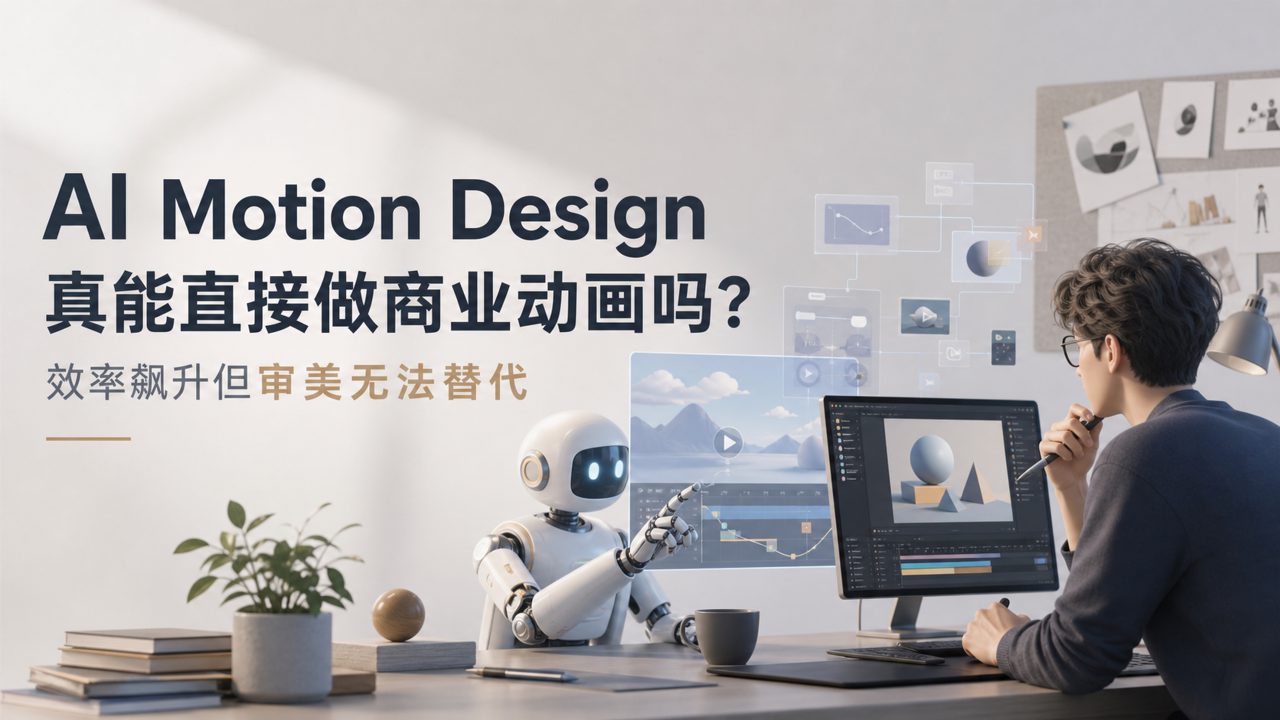
Can AI motion design directly create commercial animations for me?
Many people want to know: Can AI motion design actually be used in real work, or is it just for fun? In reality, current tools are already capable of producing drafts and testing motion directions, but there is still a way to go before they can "directly produce final footage."
For example, if you need to create an animated logo reveal for a client, the traditional approach is to manually adjust keyframes, which is time-consuming and labor-intensive. Using a platform like getsora2, you input a description such as "metallic logo rotating and expanding with flowing light effects," and it can generate 3-4 animation previews in minutes. But note: the rhythm, material details, and ending actions of these previews may require further adjustment—it's more like your animation assistant, not a replacement for your aesthetic judgment.
What are the strengths and weaknesses of AI motion design compared to traditional animation software (AE/C4D)?
Its strength lies in efficiency. A 5-second fluid text animation might take 30 minutes to 1 hour to create manually. With an AI motion design tool, if you write a good description, you get an initial version in 30 seconds. The downside is obvious: poor controllability. It's hard to make AI precisely control the position of a specific particle on a certain frame or make a mid-scene transition land on a specific beat.
So a more practical approach is: use AI to generate multiple options for you to choose from, then refine the selected one in traditional software. It's not about replacement but about shortening the workflow. Additionally, text-to-video tools like sora are also accelerating their application in motion design, but at this stage they are better at abstract visuals than precise animation.
Are the motion graphics actually generated smooth? Do they jitter?
It depends on your input. For simple geometric transformations like displacement, scaling, and rotation, current mainstream AI motion design tools are already very smooth, with almost no stuttering. However, for complex character skeletal animations or object movements with physical collisions, AI often produces results that feel "floaty" or have unnatural bounces.
For example, you want a cube to fall onto a table and bounce twice. A traditional animator would apply squash and stretch and decay curves. The AI-generated version sometimes looks like a "maglev cube"—it has a falling motion but lacks a sense of weight. Therefore, for shots requiring physical realism, manual intervention is recommended.
How many steps does it take to make a short video using AI motion design, from idea to final output?
Roughly four steps. First, write a clear motion storyboard script, such as "a golden ring expands from the center of the frame with particles dispersing in the background." Second, generate animation clips for each shot segment by segment on getsora2. Third, filter out usable shots; if a shot's motion direction is wrong, rewrite the description and generate again. Fourth, import the selected clips into editing software, add sound effects, and do final color grading.
Overall, while you used to make 3 shots in a day, now you can make 10-12. However, the initial creative storyboarding and later filtering still rely on human judgment. What AI reduces is the time spent on manually tweaking parameters, not the time spent on creative ideation.
Does it require high computer specs? Cloud-based or local processing?
Currently, mainstream AI motion design services, including getsora2, are cloud-based. You only need a device that can open a browser; even a phone works in theory. The actual computing power is on the server side, so you don't need a top-tier graphics card—this is very friendly for individual creators.
However, the trade-off is that generation involves queuing, and during peak times you might wait 5-10 minutes. Also, if your network is unstable, preview loading can be slow. For commercial projects, it's advisable to set aside at least an hour for generation waiting and filtering, and don't start only half an hour before the deadline.
Is the free version sufficient? Is the paid version worth it?
Most platforms' free versions include watermarks or limit resolution and generation count. If you're just testing or practicing, the free version is perfectly adequate. But if you're delivering assets to clients, you'll need at least 1080p resolution and no watermarks, which requires paying.
Also note: the free version's generation queue priority is low, and wait times can be long during peak hours. If your animation needs are frequent—say you need to produce several social media motion graphics every week—the paid version's time-saving advantage is significant. It's recommended to try the free version for a week, get a feel for the generation quality, speed, and your actual usage frequency, then decide whether to subscribe.
In the end, AI motion design tools are currently in the "useful but not perfect" stage. They help you iterate and experiment faster, but the final quality of the output still requires your eyes and hands to polish.
Comments
Leave a Comment