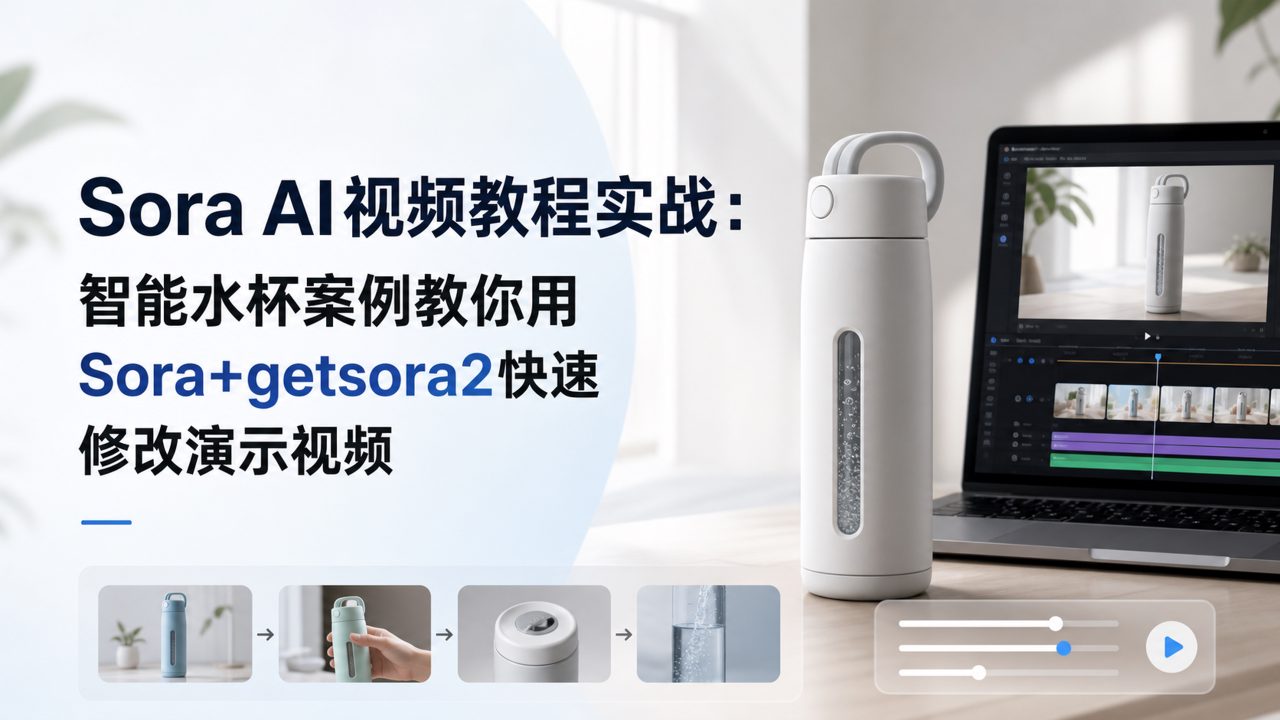
When making product demo videos, the most headache-inducing part is not the filming, but last-minute changes from clients or bosses. One sentence like 'show this from a different angle' can completely ruin the footage shot earlier. Last month, I helped a friend edit a smart water bottle demo video, and we went through exactly that ordeal. Later, I tried the workflow learned from the Sora AI video tutorial, combined with the getsora2 platform for the finishing touches, and managed to catch up on time.
The core of this workflow is just one sentence: first use sora to generate dynamic clips, then use getsora2 for fine processing. Below, we'll use that water bottle project as an example to go through the complete steps.
The scene chosen is "e-commerce main image video"
E-commerce main image videos have a time limit of a few seconds, typically 15 to 30 seconds, and need to showcase the product's core selling points. For the water bottle, the selling points are 'no leakage when inverted' and 'one-hand opening lid'. If using traditional filming, you would need high-speed cameras, specialized lighting, and later add waterproof subtitles — very costly.
We used sora for the initial draft, generating only two core shots:
1. The water bottle is inverted, water flow blocked by the sealing ring.
2. A hand presses the button, the lid pops open.
These two prompts were very specific. For example, the first one was 'a stainless steel insulated bottle is inverted, water impacts the silicone sealing ring but no water leaks out, slow motion, cinematic lighting'. In the footage generated by Sora, the texture of the sealing ring was very realistic, and the movement of water droplets was natural. But here came the problem — the generated lid button was on the right side of the frame, but I needed it on the left; also, the bottle's color was leaning blue, but my friend's product was red.
Use getsora2 for secondary processing
This is where the value of getsora2 comes in. It's not a pure generation tool; it's more like an AI video workstation.
Step 1: Import the two shots from sora into getsora2's timeline. Directly use its 'smart cropping' feature to remove unnecessary background, leaving only the bottle body. This function is much faster than manually masking in editing software, and the edge processing is clean.
Step 2: Color grading. getsora2 has a 'target color replacement' feature. I selected the bottle area, input the red color value, and the AI automatically replaced the blue bottle with red while preserving the highlights and reflective texture. This step took about two minutes, saving the time of re-rendering.
Step 3: Flip the shot. The button in the second shot was on the right; getsora2's combination of 'mirror flip' and 'local repaint' solved it — after flipping, the button position was correct, but the surrounding background had seams due to the flip. Its 'content-aware fill' fixed it in a second.
Real limitations
Of course, not everything went smoothly. Sora-generated videos have a common issue: slight flickering at object edges, especially during fast motion. In the bottle inversion shot, water droplets shook at the rim edge. getsora2's 'stabilization enhancement' can reduce it but cannot eliminate it completely. If your product is a precision instrument or requires sharp edges, you may need manual frame-by-frame retouching.
Additionally, getsora2's processing time is positively correlated with video length and complexity. This time I only used two short video clips, total duration less than 10 seconds, processing took about 4 minutes. If you need to process a 60-second long video with multiple color grading and flips, it's recommended to set aside more than 20 minutes of idle time, and don't upload right at the delivery deadline.
Who is this suitable for
This combination is best suited for two types of people:
First, e-commerce operators. They have plenty of product images but few videos, and no budget to hire a professional team. Use sora to generate creative shots, then use getsora2 to adjust colors and layout — one person can complete a decent main image video.
Second, video editors in small teams. Your work requires frequent revisions, and clients themselves can't clearly describe what they want. With this workflow, you can quickly make multiple versions, let the client choose, then fine-tune after finalization, instead of starting from scratch with rendering for each version.
If you are working on advertising blockbusters or cinematic content, these two tools currently can't support it. Edge stability, handling of extreme lighting scenes, and reproduction of complex multi-object interactions all have clear ceilings.
But returning to the e-commerce main image scenario, from conception to final output, it took less than an hour in total. For that water bottle project, the client later changed the color scheme twice. With other tools, I might have had to work overtime; with getsora2, I finished the changes during lunch.
Comments
Leave a Comment