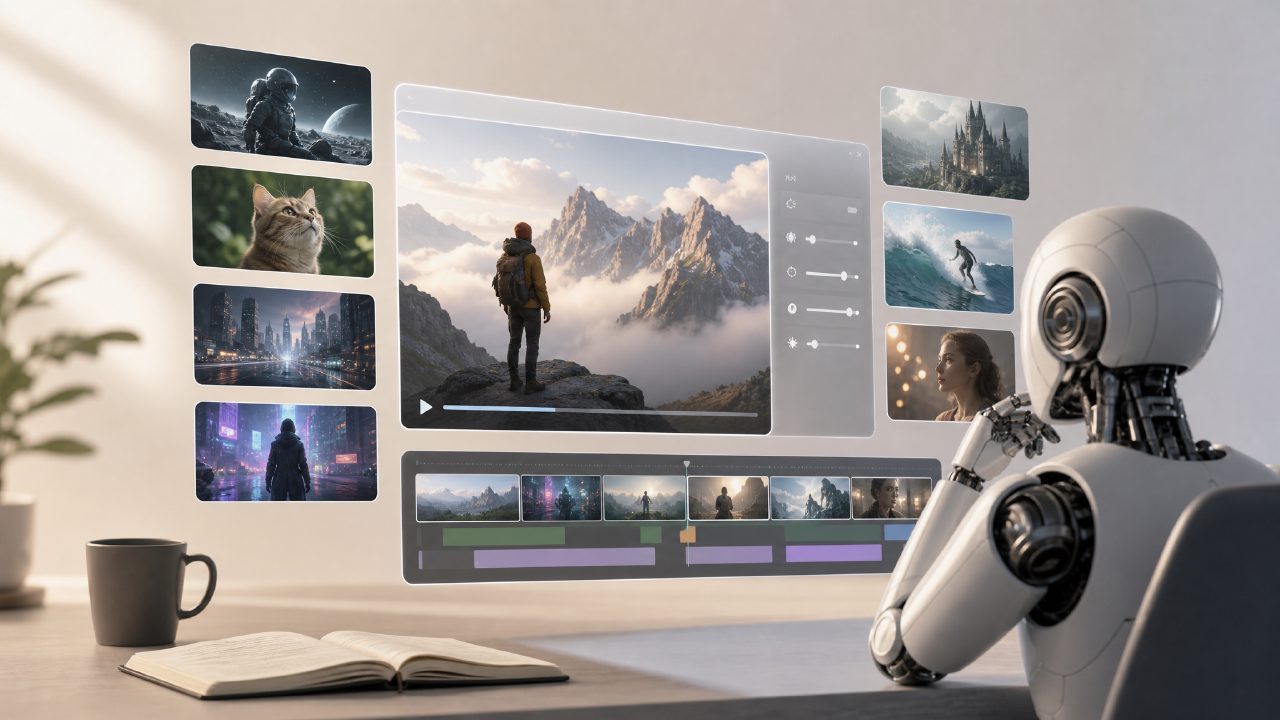
Lately, people keep asking me: Is using AI to generate videos reliable now? When will Sora actually be usable? Can I use it to make something practical? Instead of watching those flashy demo reels, let's sit down and break down the most practical questions.
What is an AI video generator? What is its relationship with Sora?
Simply put, an AI video generator is a tool that allows you to directly generate new video clips by inputting text, images, or a piece of video footage. Among the more representative products on the market, sora is the one OpenAI is developing—it's still in beta testing and not fully open. But there are already mature platforms, such as AI video generator products, that take a more practical approach: they don't aim to produce Hollywood-level shorts in one go, but instead let you quickly produce usable video material for advertisements, social media, or short video openings.
Compared to current AI video generators, what are Sora's advantages?
From the demos released so far, sora is indeed impressive in terms of visual coherence and physics simulation. Especially the smoothness of character movements, lighting changes, and camera motion is a level above most tools currently on the market. But you need to realize one fact: demos and real-world usage are two different things. Most currently available AI video generators only produce videos lasting a few seconds to a dozen seconds, and issues like long video stability, quality, and copyright are not fully resolved. sora currently can only generate clips within 60 seconds, and the more complex the scene, the higher the chance of failure.
What is the actual quality of using AI video generators to make content?
The answer depends on the scenario.
If you just want to create a simple product demo, a B-roll clip for a short video, or a looping asset for social media, then the current AI video generator is good enough—especially when paired with a reference image or a short prompt, the results can be satisfactory. For example: you want to make a 10-second scene of "a cup of coffee on a wooden table, morning light coming in from the left," using a platform like getsora2, you can generate it with a few instructions, no need to set up a scene or lighting.
But if you need a scene with a clear narrative, close-ups of faces, or complex action transitions, then don't be too optimistic. Currently, AI-generated videos are still weak in facial consistency, finger movements, and stability of object edges. That's why many professional video teams currently only use it as a supplementary tool, not as their primary production method.
How much does it cost to make an AI video?
Prices vary widely. Some free tools can provide low-resolution, watermarked clips; while platforms like getsora2 that lean towards professional services typically charge based on duration, resolution, and number of renders. Typically, generating a 1080p, 10-second video costs anywhere from a few yuan to over ten yuan. If you need batch generation and repeated optimization, a monthly subscription is more cost-effective.
A real trade-off is: with free tools, you might spend an hour or two tweaking prompts, rolling the dice, and trial-and-error, only to end up with unstable results. With paid platforms, although each generation has a cost, the output rate is higher and you don't waste too much time on human-machine dialogue.
How long does it take for an ordinary person to get started?
If you've used tools like GPT or Midjourney before, then getting started with an AI video generator is basically no learning curve. The core is learning to write prompts—describe the scene in detail, mention camera language (e.g., "a push-in shot from far to near"), and specify the style (realistic, cartoon, ink wash, cyberpunk). Some people think AI video generators produce things that are too "industrial" and lack detail, but often it's because the prompt is too general. A simple description of about 10 words and a detailed guide of about 50 words can yield results as different as if they came from two different tools.
Are there copyright or compliance risks?
This is a question that must be taken seriously. Currently, the training data sources of most AI video generators are not completely transparent. If your generated video contains scenes, characters, or music that are highly similar to existing film and television works, it could indeed involve copyright disputes when released publicly. Another common situation is generating a face—if that face happens to closely resemble a real person and you haven't obtained authorization, using it in a commercial project also carries risks.
So a safer approach is: ensure that the materials you use to generate videos (such as reference images, character descriptions) are original or authorized, and stay away from prompts that deliberately imitate existing IP.
Should I wait for Sora or use existing tools first?
There is no standard answer to this question, but here's a logic you can refer to: if your need is to "make videos that can be published right now," then don't wait for sora. When it will be publicly released, how much it will cost, and how well it supports Chinese—all are unknowns. Conversely, if you're not in a hurry and want to wait for something that might fundamentally change video generation quality, then you can keep an eye on it.
In practice, many content creators do this: first use the existing AI video generator to run daily projects and practice prompt skills, then migrate after Sora is officially released. This way, you don't delay your work, and you can move faster than others when the tools change.
Comments
Leave a Comment