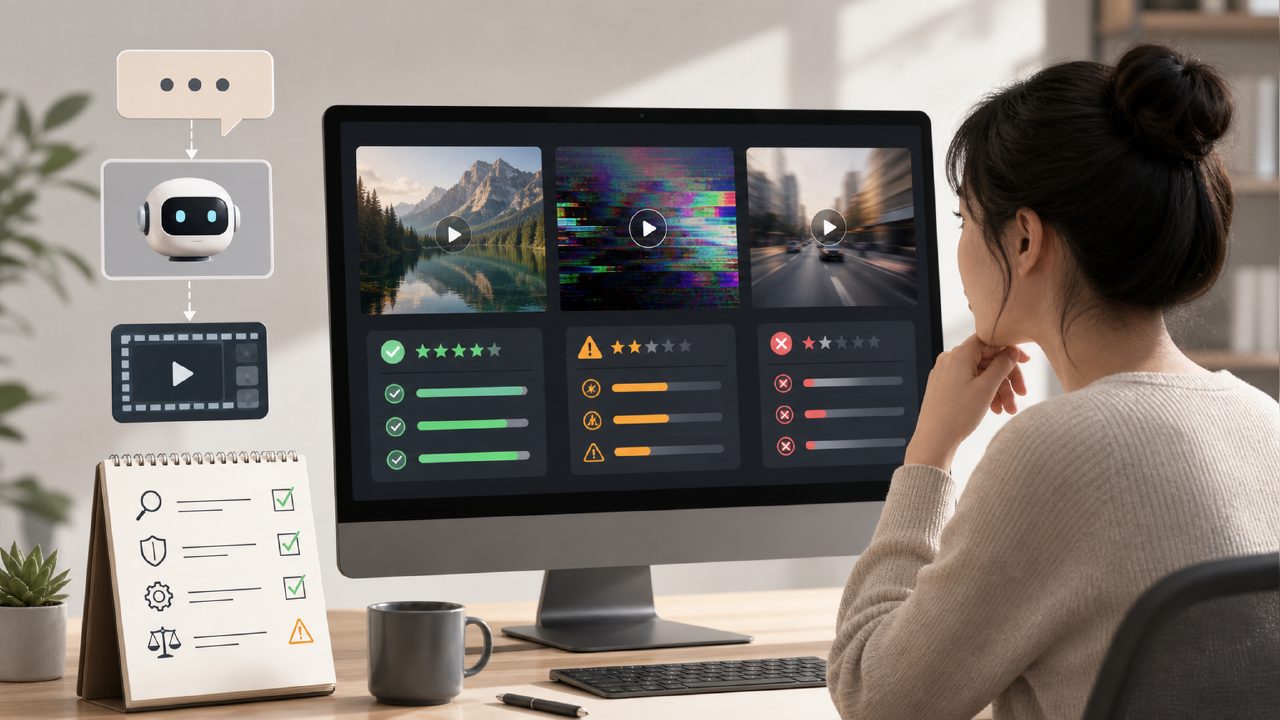
If you've recently tried generating videos from text, you've probably encountered one of two outcomes: either the footage is overly abstract, as if the AI is sleepwalking, or it takes half an hour to generate and then gives you a blurry, pixelated "failed clip."
The problem isn't that AI can't make videos—it's that most tools separate "generation" from "processing." You get a raw clip, and then you still have to manually edit, interpolate frames, and add transitions—your workload hasn't been reduced at all.
This article won't rank tools, but will only review which text to video AI tools actually solve real problems and which are still stuck in the "watchable but not usable" stage. I'll list key points directly, along with real-world usage experiences and trade-offs.
1. Core capabilities of text-to-video: It's not enough to just "generate"
First, let's set an objective standard: a usable AI video needs to pass at least three dimensions: frame stability, semantic matching, and motion coherence.
- Frame stability: The quality must not collapse mid-way, e.g., a face deforming from the 3rd second.
- Semantic matching: If you say "beach at sunset," the AI shouldn't give you a desert at noon.
- Motion coherence: Camera cuts and object movements must follow physical logic, without jarring jumps.
Currently, most tools on the market are still unstable in the second and third dimensions. The more specific your prompt, the more likely the output deviates.
2. Processing capabilities affect final results more than generation capabilities
Many people overlook a fact: AI-generated videos often need secondary processing—cropping, speed adjustment, masking, color grading. If you choose a platform that only supports generation but no backend processing, your workflow gets disrupted.
It's worth mentioning here that some platforms (like professional services such as getsora2) have started integrating video processing pipelines directly after generation. You don't need to export and then import into editing software—generation equals completion. This makes a huge difference when batch-producing short videos.
3. Impact of the Sora technical approach: Longer, more stable, but with barriers
When talking about text to video AI, you can't avoid the diffusion model approach represented by Sora. Its biggest breakthrough is the ability to generate continuous shots longer than 15 seconds, with consistent characters/objects across scene transitions. This is a significant improvement over the earlier "single-shot generate, then splice and break continuity" method.
But in real-world use, you'll find:
- Generating long videos indeed takes a long time (consumer-grade GPUs basically can't handle it)
- It requires higher precision in prompt descriptions—if you write "a person walking," it might give you an abstract walking symbol
- Copyright and content moderation issues still exist; not all commercial scenarios dare to use it directly
If you don't have enough time to tweak prompts, or aren't very familiar with animation/film language, directly using a large model to generate long videos may end up costing more optimization time than doing it yourself.
4. Real-world usage scenarios: See which category you fall into
Scenario 1: Social media short video producers
You need to produce over 10 short videos per week, each no longer than 30 seconds. For you, generation speed > video quality. The most important thing is that AI can directly output vertical videos with subtitles and automatically fill frames. In this scenario, platforms with integrated processing capabilities are clearly superior to pure generation tools.
Scenario 2: Product demos or ad rough cuts
You only need conceptual previews; the final product will still rely on live shooting or a professional team. What you need is "style control" and "keyword precision," not video length. In this case, text to video AI tools that allow users to upload reference images or choose artistic styles are more valuable.
Scenario 3: Individual creators or learning aids
You want to quickly turn a text description into visual notes. This type of requirement is the most forgiving—quality and coherence can be relaxed. Free or low-priced tools are perfectly adequate.
5. Trade-off checklist for selection (helps you avoid pitfalls)
If you're about to choose a text-to-video platform, the following points are more worth asking about than "what model does it use":
- Does it support multilingual prompts? For tools with poor Chinese support, writing "海边日落" might be interpreted as "beach sunset," resulting in a completely different style.
- Are there many export format and resolution options? Many tools only offer 720p, which isn't enough for commercial use.
- Does it offer refunds if generation fails? Not all platforms do.
- Does it have built-in editing features? At minimum, it should include cropping, speed adjustment, and text overlay; otherwise, you'll still need other software for secondary processing.
6. Summary: Don't aim for a one-step solution
Current text to video AI is still far from the perfect stage of "input a paragraph, export a finished video." What you can do is:
- Clearly define where you'll use it (how commercial is it?)
- Prioritize platforms that combine generation and processing to reduce intermediate losses
- Invest time in prompts—make them as specific as possible
- Accept current visual flaws, treat them as drafts, or fix them in post-production
Rather than waiting for AI to mature, use it now to solve the most painful part of your workflow.
Comments
Leave a Comment