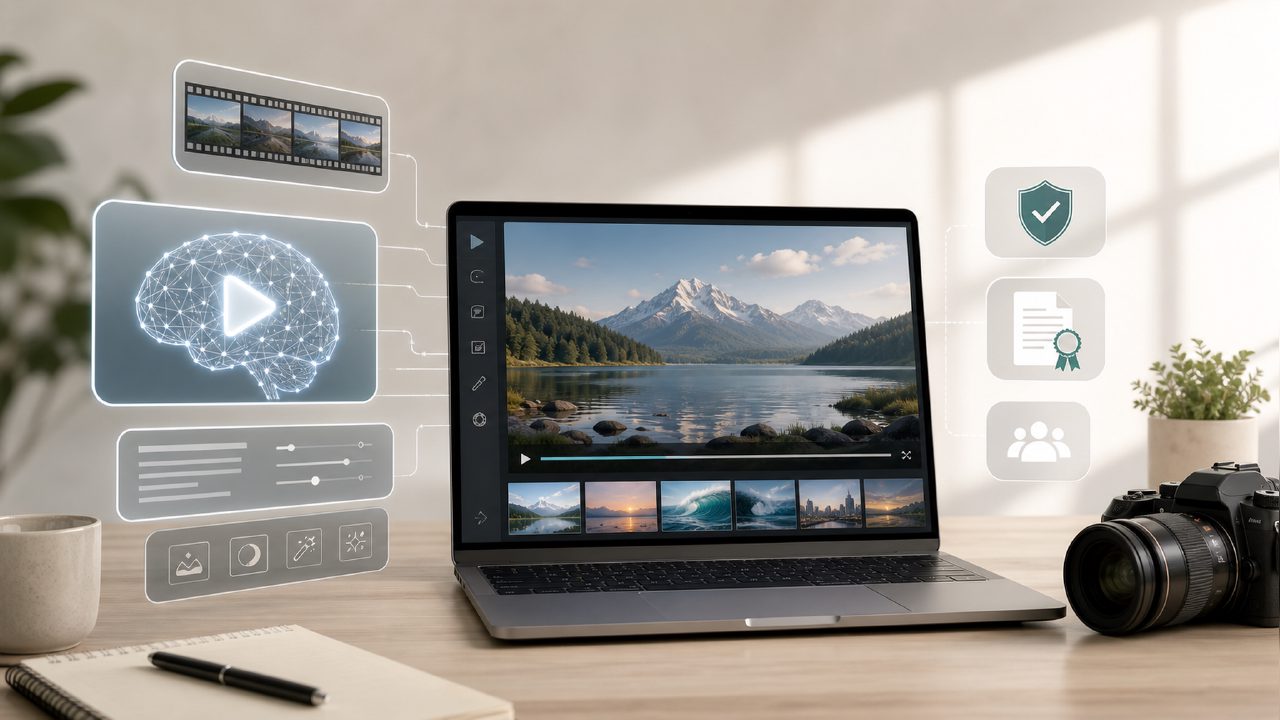
You've probably seen those AI-generated video clips: an astronaut riding a horse on a beach, with quality so fine it looks real. But when you try it yourself, questions arise — which tool to use? Is it worth the money? Can the generated videos be used commercially?
I've been tinkering with the getsora2 platform recently, and frankly, it's more practical than I expected, but I also ran into a few pitfalls. Below, in Q&A format, I'll go through the most frequently asked questions.
Q1: Can videos generated by AI video generators be used commercially?
It depends on the platform's licensing. Taking getsora2 as an example, the assets you create during your subscription can be used for commercial projects (including YouTube commentary, promotional videos, ads). But note: if you directly display the platform's logo or watermark, that's not allowed. Also, some platforms restrict usage in 'sensitive industries,' such as adult content or political topics. I recommend reading the 'Scope of License' section in the terms of service before using it — don't skip this step.
Q2: I want to make a product demonstration short video. What prompt strategy is most effective?
Many beginners write something like 'a red cup spinning on a table,' but the resulting footage is shaky and blurry. From my own testing, the most reliable strategy is: subject + action + environment + lighting + camera language.
For example, when I demonstrated a coffee machine on getsora2, I used the prompt: 'Stainless steel espresso machine, side angle 45 degrees, hot steam spraying from the handle, warm desk lamp lighting, shallow depth of field, slow rotation to show the full view.' The resulting clip had noticeably less noise than the first version. Be patient; it's normal to modify the same scene's prompt three or four times.
Q3: I need very realistic footage. Can AI achieve that?
It can achieve 70% to 85% realism, but don't expect it to be perfect on the first try. Especially for complex dynamic scenes — like wind scattering leaves while a person walks by — AI occasionally produces strange blending between the leaves and the person.
Here's a time-saving method: use getsora2's image-to-video feature. Upload a real product photo and let it generate a short motion based on the image. This ensures the subject is real, and AI only handles the 'motion' part. I took a set of headphone white-background photos, converted them to video for e-commerce detail pages, and clients basically couldn't tell they were AI-generated.
Q4: Compared to other AI video tools, what are the shortcomings of getsora2?
Fairly speaking, its strengths are stability and a user-friendly Chinese interface, but the shortcomings are also clear:
- Weak long video support: coherent narratives over 30 seconds are still not smooth, with unnatural jumps between clips.
- Facial micro-expression distortion: when close-up on a person speaking, lip sync and expressions occasionally 'drop out'; this exists in all similar tools, but it's more noticeable in low-resolution mode on getsora2.
- Medium stylization ability: if you want very anime or ink-wash style, you'd better use animation-specific tools. Its strength lies in 'realistic photographic feel'.
If your top priority is cinema-quality visuals and you don't mind spending more, you can compare sora and other competitors; but if you want a workflow that's quick to learn with good Chinese support, getsora2 is currently a cost-effective option.
Q5: How fast is the generation speed? Will I have to wait long?
It depends on the quality setting and usage time. Using getsora2's standard tier during workday daytime, a 4-second 1080p clip takes about 2–3 minutes. Evenings or weekends, the queue can stretch to over 5 minutes. If you have a premium plan with priority queue, it's basically under 1 minute.
A tip: try to avoid 2–4 PM (peak time for domestic users). Even paid users may experience slight lag during that period. I usually batch create materials after 10 PM for the smoothest experience.
Q6: If I know nothing about editing, can I use this tool directly?
Yes. It has many built-in templates; you just need to modify the text and choose clip duration, and the rest is automatically stitched. But there's a limitation: the template's camera style is fixed, and you can't adjust color grading or change transitions. If you just want to quickly produce short videos for Moments or Douyin, templates are sufficient. For finer adjustments, you'll need to learn its built-in simple timeline editor.
In summary, an AI video generator is not a 'press one button and get a Hollywood blockbuster' tool. It's more of an efficiency aid – saving you time searching for footage or renting a studio. But prompt refinement and post-production screening still require your own effort. If you're a content creator or e-commerce operator, it's worth spending a week to understand its quirks; the return on investment is higher than expected.
Comments
Leave a Comment