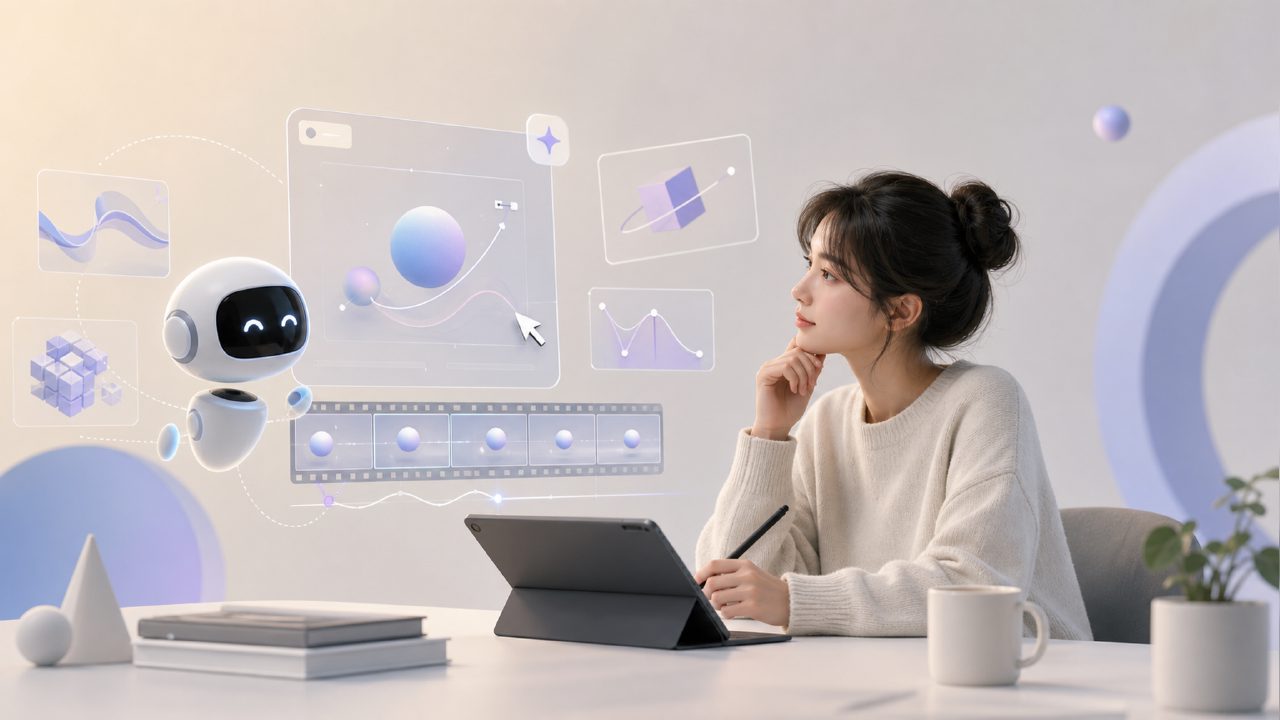
When making animations or videos, the mention of "motion design" often triggers a reflex of manual keyframing, curve adjustments, and repeated previews. But in the past two years, with more and more AI tools, there are growing questions about whether "AI motion design" can actually be implemented, how effective it is, and how to use it. Especially after seeing models like
This article directly answers several of the most frequent questions without beating around the bush.
What exactly is AI motion design? What can it do for designers?
Simply put, it uses algorithms to automatically or semi-automatically generate motion trajectories and transition effects for objects, text, and icons. It doesn't mean you completely let go; instead, it lets AI handle the repetitive work you find most tedious—like creating a fade-in for a logo or a bounce effect.
Currently, such features are mainly integrated into video processing platforms. For example, you drop a static image into it, and AI automatically analyzes the structure, subject, and spatial relationships in the image, then generates corresponding camera movements, rotations, and zooms. What it saves is not creativity, but manual time.
Can models like sora directly solve motion design problems?
sora is for video generation, not specifically for motion design. It can generate smooth physical motion and scene changes, but many fine controls in motion design—such as ease-in/ease-out, elasticity, and absolute keyframe positions—lack that sense of fine-tuning.
But that doesn't mean it's irrelevant. The emergence of sora proves one thing: AI's understanding of motion logic has reached a new level. Motion designers can use such models as "preview tools" or "inspiration generators." First, run a motion sequence with it, then bring it back to actual software for manual refinement.
Does using AI for motion design require learning programming or complex prompts?
It depends on the platform. Some early tools did require writing commands like "camera pan left with bounce," but the current trend is towards more visual operations. You click, drag, set styles, and AI outputs.
But honestly, if you don't understand the underlying logic of motion design—such as speed curves, keyframe spacing, delay, and overlap—the results generated by AI alone can easily look "floating" or rigid. AI can save you the physical labor, but judging whether a motion looks good still requires your own eyes.
So, no programming background is required, but it's best to have a bit of motion design awareness. If not, it's recommended to first look at some classic easing references.
What are the practical application scenarios for AI motion design?
Currently, the most typical ones fall into three categories:
First, UI/UX motion effects. You create a bunch of pages in Figma or Sketch, and just page transitions and element entrances can take up half your day. AI can automatically recommend transition animations based on the page structure, and you just pick one and fine-tune it.
Second, social media short videos and ad intros. Many short videos require quick cuts, transitions, and text pop-ups. The traditional approach is to manually align the rhythm frame by frame; AI can identify the audio rhythm and automatically match the motion timeline of elements.
Third, product showcases. The rotating, zooming, and cut-in effects common in e-commerce or hardware launches. Previously, this required 3D software or advanced After Effects expressions; now you can upload a white-background image to platforms like getsora2, and AI automatically calculates the camera position and motion path.
Are there obvious limitations or pitfalls?
Yes, mainly three.
First, detail-oriented people will find it frustrating. AI-generated motion effects tend to be overly "smooth"; if you want subtle pauses or a certain hand-drawn looseness, it currently cannot satisfy that. You must intervene manually to modify.
Second, the consistency of brand motion effects is hard to maintain. In large projects, motion effects usually have a design system, such as the entry duration of button A in milliseconds and the curve type. AI may not know your previous standards; what it generates may look good but may not conform to your team's guidelines.
Third, handling complex character animation or facial expression driving is still immature. Issues like body part penetration and limb overlap can still occur. If you want to do character animation, don't expect AI to do everything; it's better to do skeleton binding first and then let AI assist with local motion transitions.
How to determine if you are suitable for using AI motion design?
Don't just watch demo videos. Try it on a recent actual project of your own. Pick a 3-5 second clip, do it with AI, and compare it with your manual keyframed version to see how much time you saved and how much control you sacrificed.
If most of your projects are in UI interaction, subtitle motion effects, product showcases, etc., AI can double your output speed. If you work on more artistic expression or highly stylized content, AI can currently only be an assistant and cannot replace your manual work.
Comments
Leave a Comment