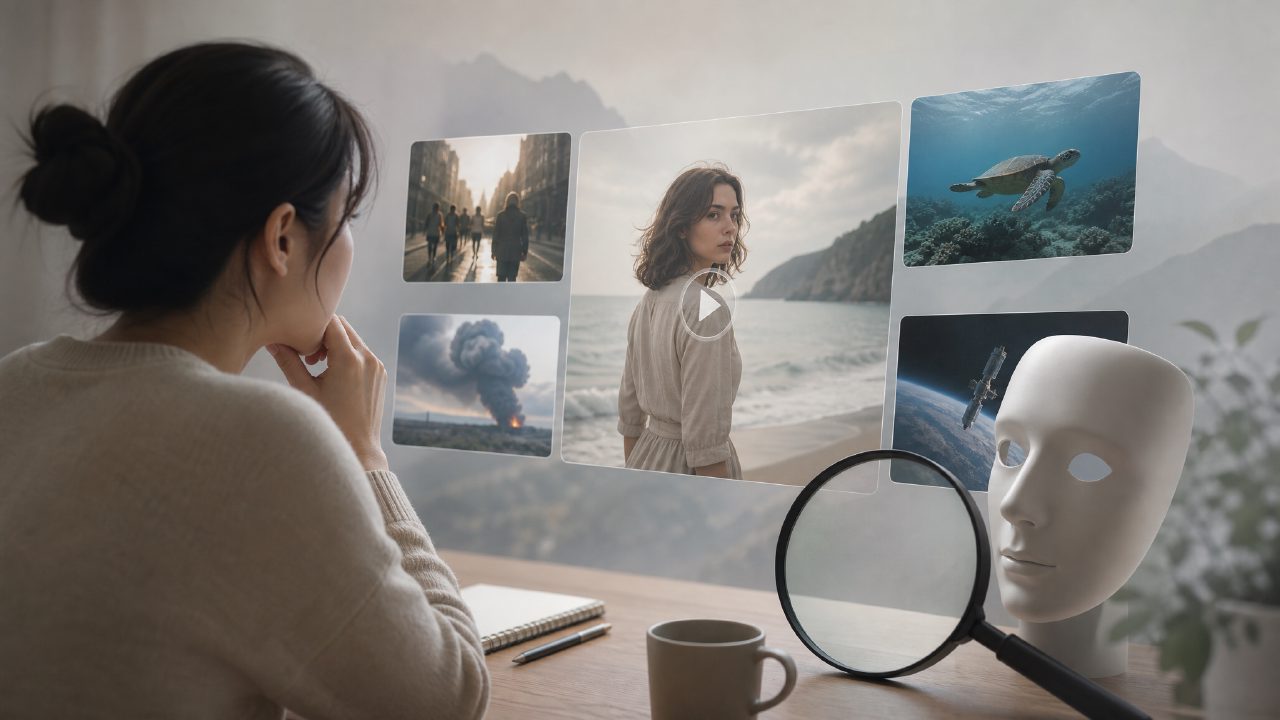
Recently, many people have asked me: "Isn't there a Veo video tool? How come all I find is Google's Veo model? Which one is actually usable?"
This question hits the nail on the head. The name Veo itself has a dual identity: Google's AI video generation model is called Veo, and some domestic service providers also use Veo as a product name. But if you are aiming to "make videos and produce finished products," what you really need to care about is the AI video processing platform that you can directly use, not a model name that is still in beta.
And the first pitfall that is easiest to fall into here is confusing Veo with Sora. Both are hot terms in the AI video generation field, but Sora is OpenAI's concept-level product, with high barriers and not fully open; Veo model is Google's competitor, also not readily open to individual users. If you see an advertisement on a website saying "Veo one-click generates cinematic videos," it's most likely that the platform is riding on the name's popularity, and actually uses underlying APIs or self-developed models.
What are the pitfalls in actual use of Veo?
Take some domestic services that tout "Veo video processing" as an example. I tried a few and found three typical problems:
First pitfall: It's called Veo, but the core may be something else.
Some platforms have "Veo video generation" written on their interface, but after you submit a task, the processing time and output effects are clearly off. Only after carefully reading the documentation do you find that it actually uses other open-source models, just wrapped under the Veo name. If you go for Veo's specific style, the result may be completely mismatched.
Second pitfall: Charging model does not match the effect.
Many video processing platforms charge by duration or by credits. Among Veo-related services, some have low prices but poor output quality, low resolution, and easily distorted faces. You spend time waiting, and what you get is worse than using CapCut's auto-generation.
Third pitfall: Hidden requirements for hardware and materials.
Some platforms clearly state "supports Veo processing," but if your original video resolution is too low or the frame rate is wrong, it will directly report an error, or forcibly stretch causing image distortion. These details are usually not told to you before payment.
Real performance in specific scenarios
I tested with a real need: I wanted to generate a 15-second time-lapse video of a city street view, requiring natural lighting and no flickering.
On a platform labeled "Veo-driven," I uploaded 5 reference images, selected a style template, and waited about 8 minutes. In the output video, there were obvious color banding artifacts in the sky, and a brief black frame between seconds 7 and 9. Customer service replied: "We recommend regenerating once." I generated again, but the problem persisted.
Switching to another platform that didn't mention Veo but clearly said "supports Sora style generation," with the same materials, the output was actually more stable and took less time. What does this show? It shows that the name is not important; the actual pipeline is what matters.
How to judge whether Veo-like services are worth using?
You don't need to agonize over "whether Veo is good or not," but rather look at what the specific platform gives you:
- Confirm the source of the generation model: If the page says "based on Veo model," ask customer service for the model version number, or check if there is public technical documentation. If they can't explain clearly, it's most likely a shell.
- Test the refund policy: Before paying, use free credits or low-cost tasks to test the waters. If the platform doesn't even allow testing, skip it directly.
- Check output parameters: Confirm whether you can set resolution, frame rate, style intensity. Tools that cannot be fine-tuned likely produce videos that are not directly usable for commercial purposes.
The one I finally stuck with is getsora2. The reason is simple: it doesn't follow the trend and call itself a "Veo platform," but the videos it actually generates are more in line with expectations in terms of consistency and duration control, and it has high tolerance for materials without needing repeated format adjustments. At least I haven't encountered black frames or face distortion issues.
Going back to Veo, if you really need a video processing tool, don't be led by the name. First figure out whether you want a "model name" or a "usable finished product tool." Many services under the Veo banner may be less reliable than a platform that honestly says it uses another engine. The highest cost of trial and error is not the few dollars, but the time you spend.
Comments
Leave a Comment