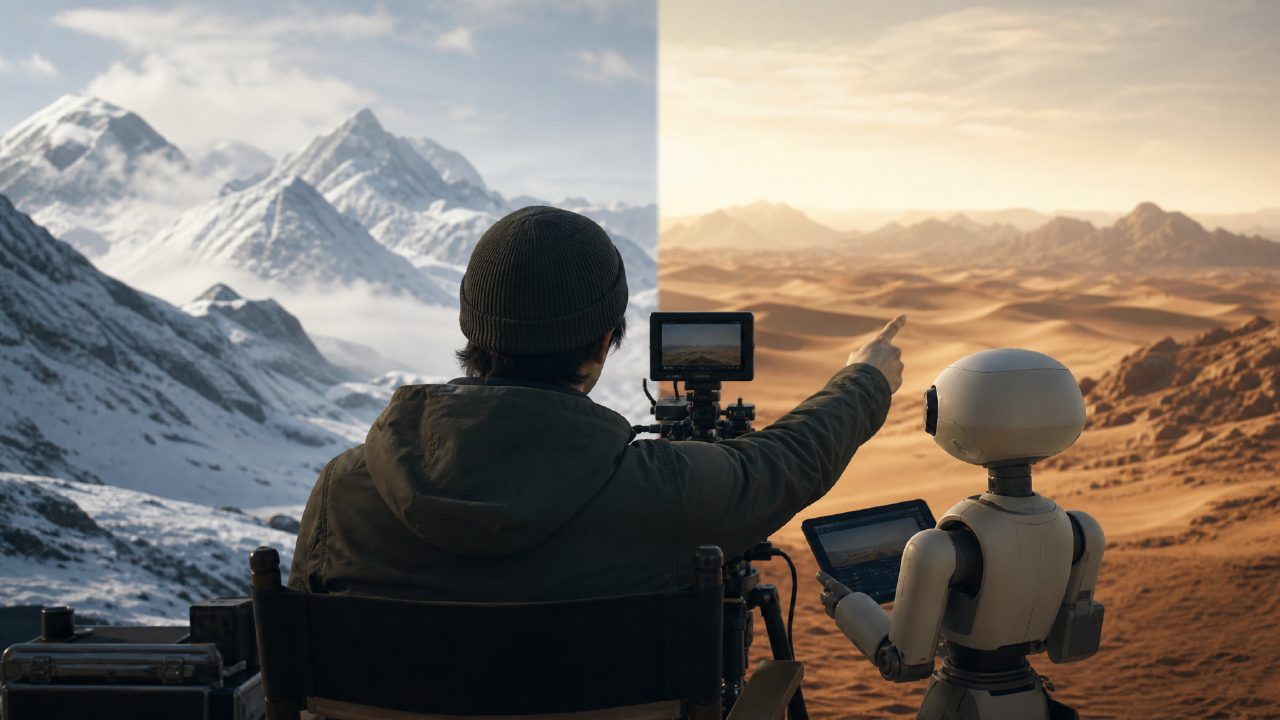
After playing around with AI filmmaker for a few days, here's the honest truth
To be honest, I was initially immune to the term "AI filmmaker." In the past two years, too many tools have popped up claiming to "make a movie with one click," but when you actually try them, either they only generate a few seconds of blurry clips, or the operation is so complex that you might as well learn editing directly.
But I happened to have a job at hand—making a 30-second visual short film for a client's travel brand, with a wide range of scenes, from snowy mountains to deserts. Not enough footage, and reshoots weren't realistic. This need fit perfectly within the ideal range of AI video tools. So I decided to grit my teeth and run a real test to see how much of the "director's" job current AI can actually handle.
First Impression: The Barrier Is Indeed Low, But Don't Be Fooled by the "Foolproof" Approach
After entering the platform, the interface was cleaner than I expected. No barrage of pop-ups or payment plan bombardments. Upload a video, enter a prompt, choose a style template—basically three steps to start running.
My first round of testing was pure text-to-image generation. I input "desert sunset, camel silhouette, cinematic feel" and the result was surprisingly good—color and composition were on point, and the lighting and shadow processing were a notch above the batch of AI videos from six months ago. But the problem was also obvious: when the camel in the scene walked, there was slight flickering and deformation in its legs. This isn't a flaw in the AI model itself, but rather that motion consistency hasn't yet been perfected. If you need a static or slow-moving scene, the output can almost pass as real; but if there's fast motion or multi-person interaction, it's best to lower expectations.
So my first judgment: what it can do is atmospheric shots, empty scenes, and transitional footage. Asking it to carry a full narrative is still too much of a stretch.
What Really Changed My Mind Was Its "Collaboration" Mode
My second test direction was image-to-video. I imported a few real-scene photos the client had taken earlier—one was a forest in early morning, another was clouds at the mountaintop.
The AI filmmaker's approach wasn't simply to animate the image, but to analyze the depth of field and lighting in the photo, and then generate a continuous motion that fits the scene's atmosphere. I chose the "orbit shot" style, and the result surprised me: the footage was smooth without frame jumps, the light transitions were continuous, with no obvious frame generation artifacts.
There's a trade-off here: the success rate of image-to-video depends on the quality of your original photo. If the original is overexposed or has messy composition, the AI will desperately "imagine in fill," and the result may deviate from your intent. So don't treat it as an eraser; it's advisable to provide at least an image that is in focus and properly exposed.
Additionally, I tried combining it with a parameter template in the sora style—the platform has several built-in sets of high-dynamic, strong-color expression modes. After applying one, an originally bland jungle scene instantly took on a film-like texture, with color temperature and graininess spot on. This kind of "one-click transfer" of style is one of the most practical features I've found so far.
Real Pain Points and Compromises
Let me talk about a few unavoidable issues, especially if you plan to use it in commercial deliveries.
First, the length of a single generation is limited. Currently, each output segment is roughly between a few seconds and a dozen seconds. To piece together a complete short film, you still need to manually splice and adjust speed in editing software. It's not impossible, but you can let go of the fantasy of "auto-composing a movie."
Second, the precision of prompts. I tried several different ways of describing, and found it understands more technical prompts like "dark tone, low saturation, shallow depth of field" best, but for abstract descriptions like "Wong Kar-wai movie style," the output results were very unstable. You have to learn to speak in cinematic language, not with inspiration and emotion.
Third, audio and synchronization. Currently, AI filmmaker mainly focuses on visual generation, and the audio part basically relies on you to add later. If you want lip-sync or automatic ambient sound generation, that's still beyond its current capabilities.
Who Is It Actually Suitable For
I'm not the kind of person who casually calls something a "magic tool," but if you're in a small content team, an independent creator, or an advertiser working on short videos with a limited budget, this tool is worth seriously trying. Its strongest use case isn't replacing a director, but helping you fill in those shots that are "impossible to capture" or "hard to shoot well"—aerial views, polar glaciers, ancient building reconstructions—things that used to require spending a lot on CGI or renting drones can now produce usable material in minutes.
For professional film and TV teams, it's more like a rapid pre-visualization tool rather than a final deliverable. Don't expect AI filmmaker to save you from color grading and editing just yet, but it can indeed let you see more possibilities during the early planning phase.
My conclusion is simple: the barrier to entry is low, and the output quality ranks among the top in similar tools, but you have to accept its current "component" nature—it's a decent set of parts, not yet a complete machine. Whether it's worth using depends on which screw you're missing.
Comments
Leave a Comment