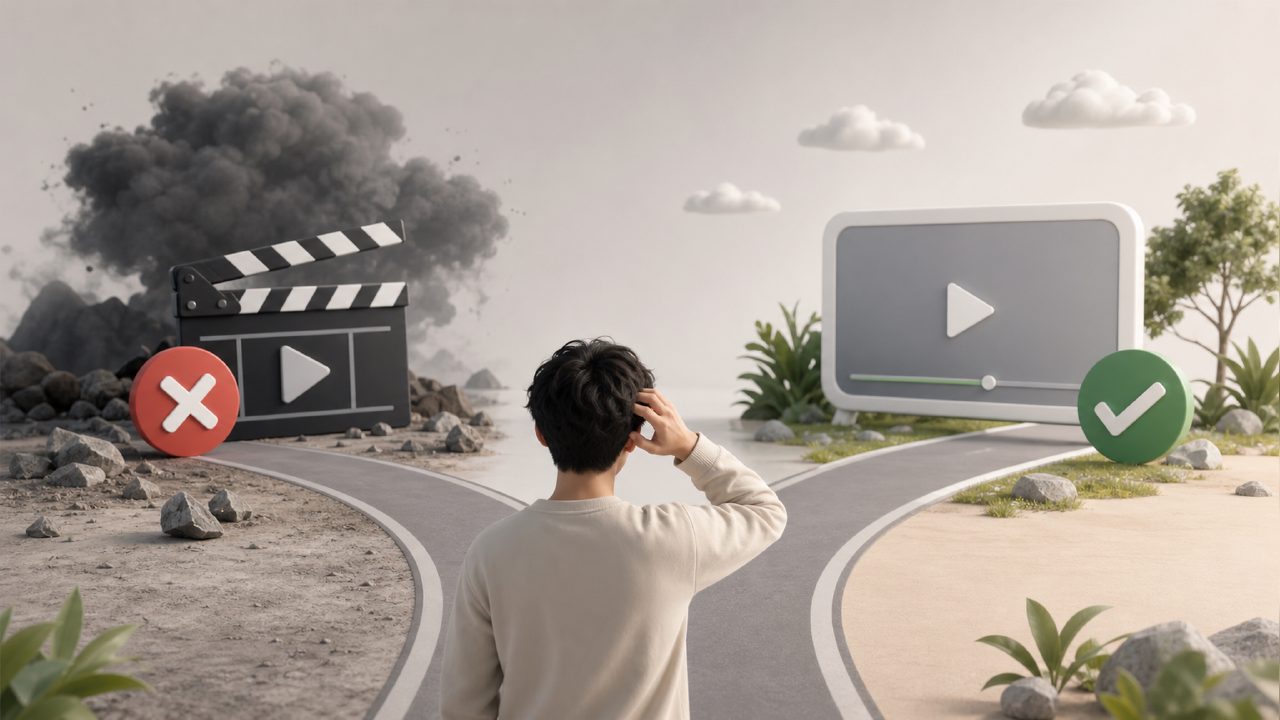
The name Veo has been appearing quite frequently in the AI circle recently, especially among users focused on video generation. But to be honest, based on my actual experience and feedback I've observed, many people tend to fall into the same repetitive pitfalls when getting started with Veo. This article won't give a general introduction to features; instead, it directly helps you avoid these pitfalls and discusses a few easily overlooked aspects.
First, let's clarify a concept: Veo is currently Google's core product in the field of video generation. Many people easily confuse it with Sora, thinking they are the same type of tool and you can just pick either one. This perception itself is a major pitfall. Although both do text-to-video, Veo has its own clear preferences in terms of visual style, physical motion logic, and how it responds to prompts. If you treat it like Sora, you'll find that in many scenarios, the actual results are far from what you expected.
The First Common Misunderstanding with Veo: Not All Prompts Work Well
When many new users first encounter Veo, they think it should work like mainstream language models—just provide detailed natural language descriptions, and it will generate what you want. However, Veo's model training has a clear preference: it excels at handling commands that include explicit "camera perspective" and "shot type" descriptions. For example, if you write "a person walking on the street," the output might be quite bland; but if you add "medium shot, person walking toward the camera on a cloudy street, trench coat blowing in the wind," the quality will significantly improve.
The pitfall here is that many people directly apply the prompt logic from other platforms (including Sora), causing Veo's output to either have severe jitter or objects in the frame to inexplicably disappear. So, before writing prompts, I suggest you take a look at the sentence structures in the official examples—this will save you a lot of trial and error.
The Real Gap in Scene Selection
What is Veo best at? From my observations, it performs best when generating "natural environments," "scenes with rich lighting changes," and "slow object movement." Conversely, if you force it to generate fast-paced martial arts actions or subtle facial micro-expressions, the chance of failure increases significantly.
For example: I asked Veo to generate a clip of "fallen leaves drifting in an autumn forest." The smoothness and color of the output could easily surpass some similar platforms. But then I tried "a singer suddenly turns head and smiles," which requires fine facial muscle changes, and the result showed noticeable deformation around the mouth. This is a realistic trade-off—you can't expect it to excel at everything.
Watch Out for the Trap of Generation Length and Video Continuity
Veo allows single video clips to be up to 60 seconds or more in some cases, which sounds very appealing. But in actual use, I recommend you don't max out the length from the start. The longer the generation, the faster the consistency of objects within the frame degrades. A handy tip is: first use short clips (e.g., 5-10 seconds) to test whether the prompt is stable, and then gradually extend the length after confirmation. Combining with external platforms like getsora2, which offer professional processing services, can make stitching and optimization more efficient, helping you avoid wasting credits on a single generation.
How Should Users Choose? Veo or Others
If you mainly work on concept demonstrations, atmospheric short films, or advertising clips that require natural lighting effects, Veo is an excellent choice right now. However, if you need precise control over lip-sync and expressions during character dialogue, or need to generate large-scale action scenes, it's better to look at Sora or other mature solutions at this stage. No tool is a master key; it all comes down to your specific output goals.
Additionally, Veo's training data leans more toward European and American visual styles. If you want to generate scenes like Chinese city streets or East Asian facial features, I suggest adding reference style images or more specific cultural element descriptions in your prompts; otherwise, you might get an awkward "neither here nor there" effect.
A Final Honest Word
Using Veo is like using any new AI video tool—the fastest way to fall into a pitfall is to treat it as a universal tool. If you're willing to spend time learning its "quirks" and use it in suitable scenarios, it can definitely be a powerful tool. But if you force it to do things it's not good at, the result will likely waste your time and budget. I suggest beginners start with the simplest natural scenes, explore slowly, and then gradually tackle more complex requirements.
Comments
Leave a Comment