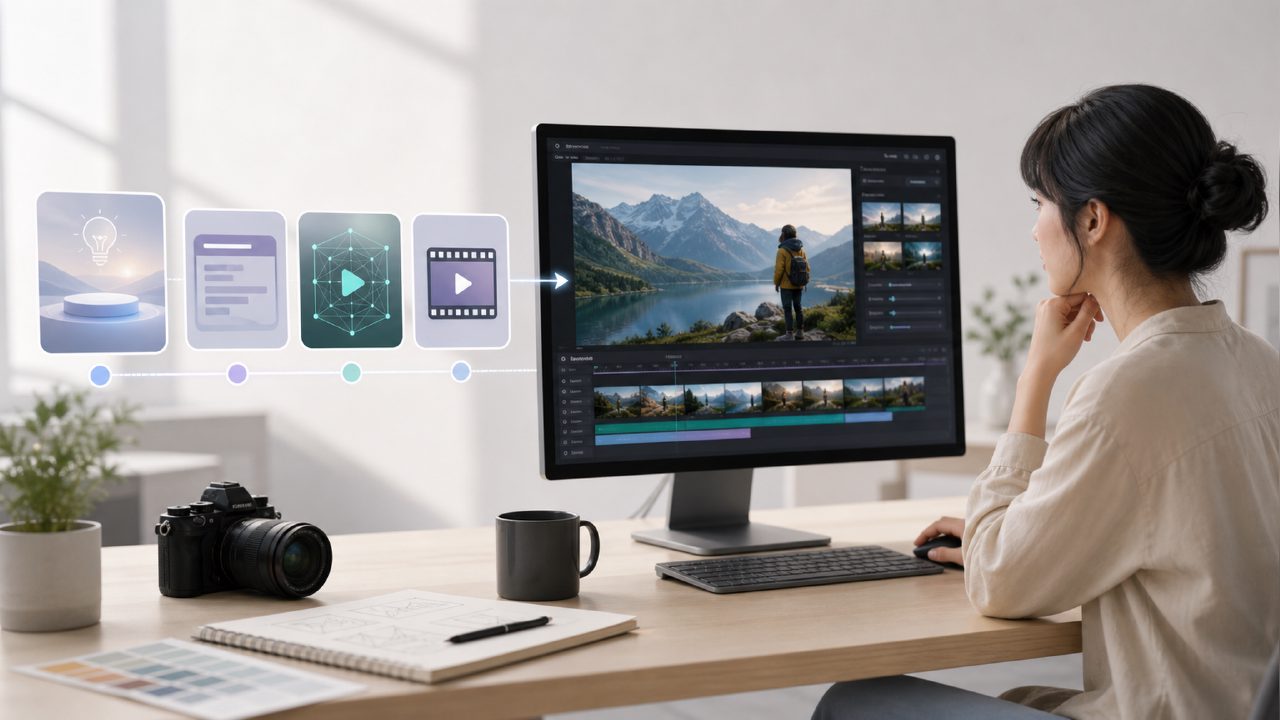
Many people think AI video generation is as simple as typing a sentence and getting a cinematic masterpiece. But when you actually try it, you either get a broken image, bizarre movements, or wait ages for a five-second glitchy loop. The problem isn't that you can't write prompts—it's that you lack a practical workflow that works.
This AI video generation tutorial doesn't talk theory. It gives you a checklist you can follow step by step. No matter which platform you use, these ideas apply. If you're using a professional service like getsora2, pay extra attention.
First, Understand Where AI Video Generation Actually Fails
Most tutorials hide the truth and only show you success stories. When you actually try, 99% of problems come from three areas:
- Character consistency: The character's face changes every three seconds, like a live plastic surgery show.
- Motion logic: A person walks without bending their legs, or an arm suddenly twists backward.
- Physics rules: Water flows upward, hair passes through the body, shadows jump around randomly.
If you're making commercial videos, any of these issues will immediately turn off clients. In other words, the core of this tutorial isn't about how to "generate"—it's about how to "fix."
Create a Usable AI Video from Start to Finish
Here are the steps I've summarized after running over 50 videos successfully.
1. Prepare reference materials instead of just writing prompts
Pure text generation yields too random results. The right approach:
- Find a reference image with a similar style—stabilize composition, color palette, and texture.
- For characters, provide at least one front-facing photo and one half-profile photo.
- For models like Sora, uploading a reference image is more effective than writing a 200-word description.
2. Break down actions into "minimum viable units"
Don't write "a person runs in the rain, then stops to buy coffee." AI will interpret "then" as a time-space gap. The correct approach:
- Step 1: Person jogs, rain hits shoulders.
- Step 2: Slow down, stop.
- Step 3: Pull out money gesture.
Generate each step separately, then stitch them together in editing. This seems primitive, but the result is ten times better than generating one continuous segment.
3. Write prompts as "control commands" not "literary descriptions"
Bad example: "An elegant woman gently tosses her hair in the sunset, with a hint of sadness in her eyes."
AI gets confused immediately. Instead, write:
- "Female subject, front view, right hand lifts hair from side to behind ear, slow motion, warm golden backlight, small hair movement amplitude."
This is giving commands to a machine, not writing prose.
4. Lock the first few frames to ensure character consistency
Now, Sora and some platforms support "start frame locking." You can:
- First generate a still image as a makeup/final look shot.
- Set that image as the first frame of the video.
- Attach this start frame to all subsequent generations.
This way, the main character won't change face every three seconds. If you use platforms like getsora2, you can batch import reference images as anchors.
5. Use loop frames to fix motion jumps
- For a two-second video, the chance of sudden motion changes is up to 70%.
- Solution: enable options like "pixel flow" or "temporal smoothing" during generation.
- Or, cut a long video into two-second segments, and for each segment, have AI keep the last frame of the previous segment as the new starting point.
This step is most often ignored in tutorials, but it's the most practical.
Choose Different Routes for Different Scenarios
Not all videos suit the workflow above. For example:
- Making short video cover animations: No need for motion logic, focus on color stability and noise control. You can increase generation steps and reduce motion amplitude.
- Product demonstrations: Must lock product lighting and material consistency. Suggest importing 3D render drafts into AI for style transfer, rather than generating from scratch.
- Narrative short films: Key is subtle changes in character expressions. Look for models that support "expression weight" adjustments, or manually split frames for facial features.
If you're working on commercial projects, don't bet on a single video and hope the AI is in a good mood. Generate multiple backups, pick the two most stable ones, then stack frames to fix flaws. This isn't laziness—it's reality.
Which Tutorials Are Worth Your Time, and Which Aren't
Right now, tons of AI video tutorials online teach you "how to write beautiful prompts." But the real problem is: no matter how beautiful your prompts are, if the model doesn't support them, they're useless. What you should prioritize learning isn't copywriting, but:
- Using control networks: ControlNet, Depth, Canny—these are more effective than any prompt.
- Keyframe interpolation: Fixes sudden motion issues and makes transitions smooth.
- Post-production repair workflow: How to cover up AI-generated flawed frames using Topaz or editing software.
If you're willing to learn systematically, combine Sora's official documentation with practical cases from platforms like getsora2. But don't just watch other people's final results and exclaim "that's amazing"—that's a waste of money. What's truly valuable are the piles of failure cases and repair processes no one wants to see.
Finally, a reality check: The best use of AI video generation right now isn't replacing live action—it's saving you massive trial-and-error costs. If you can use this tutorial to avoid 80% of the failure scenarios, you're already better than 95% of beginners.
Comments
Leave a Comment