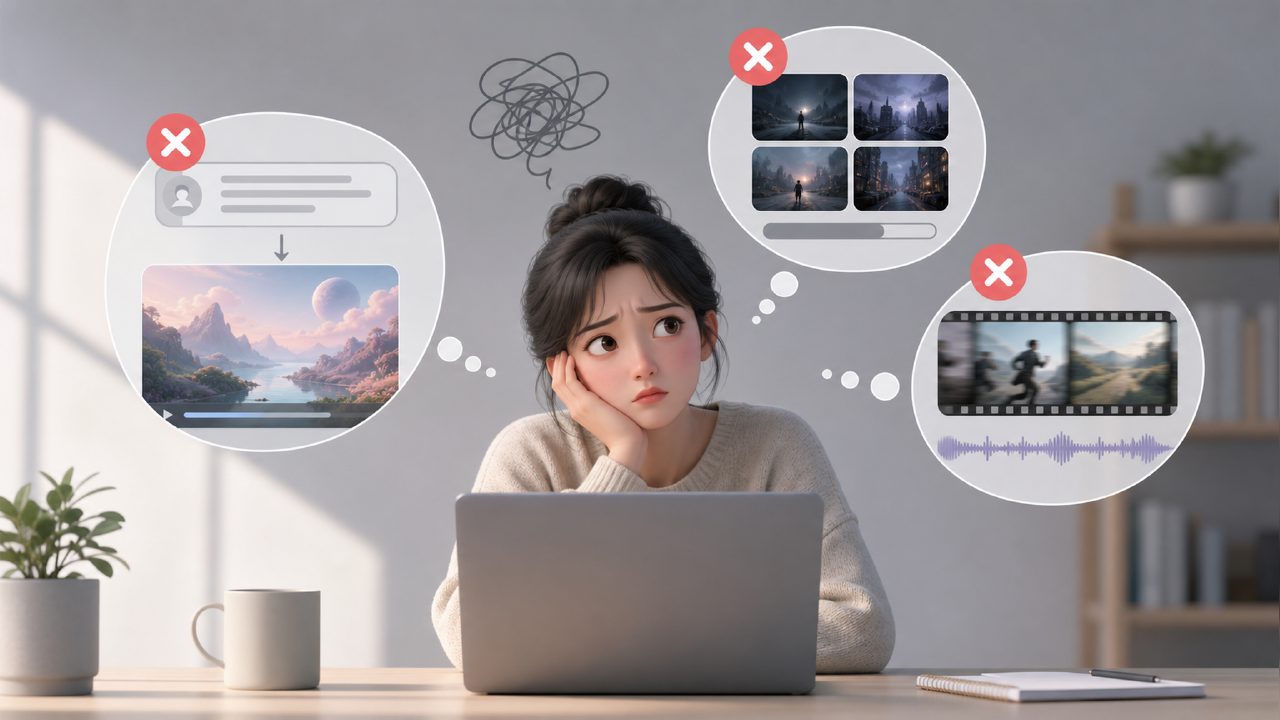
Many people, when first starting with AI video tools, have a misconception: they think that just by inputting a piece of text, they can directly get a usable finished video. This idea is particularly prone to pitfalls.
Especially when models like Sora first came out, the samples circulating online were indeed stunning. But when you actually use them, you often find that it's not the case at all. It's not that the tools themselves are no good, but that you haven't understood a few key issues before using them. This article helps you avoid these common pitfalls in advance and save wasted time.
The first pitfall: Thinking all AI video tools are 'equally good'
The video generation models available on the market today are actually divided into completely different schools. Some are good at handling large motions and complex scene transitions, like Sora; they look flexible, but their controllability is actually weak. It's hard to precisely make it 'keep the camera following the third person'. Another type of tool is more inclined to produce stable mid-shot content, or handle expressions and lip sync.
Using the wrong tool will make you feel like 'why can't I get anything out'. It's not that the tool is bad, but that it doesn't match. It's best to first figure out whether you want to do a person's talking head, product showcase, or creative concept film. Different scenarios mean completely different priorities when choosing AI video tools.
The second pitfall: Over-reliance on 'one-click output'
Many people, when looking for AI video tools, pay special attention to 'whether the operation is simple'. But frankly speaking, currently no tool can achieve truly full-automatic high-quality output. You will inevitably encounter problems: deformed faces, incoherent body movements, flickering lighting.
If you think you can get a video ready for release by just pressing a button, you'll likely be disappointed. Those who actually succeed often interpolate frames at key positions, manually adjust in post-production, or even overlay results from different models to fix bugs. This is not a tool issue; it's that the technology at this stage is still evolving.
The third pitfall: Ignoring the relationship between 'control' and 'randomness'
Many people think that the freer the AI, the better. But in reality, when you actually work on a project, the thing you fear most is strong randomness. You'll find that running the same prompt three times yields three completely different images. This can be a source of inspiration in the creative stage, but once you need to deliver results, it becomes troublesome.
A smarter approach is to first use an AI video tool that is more suitable for precise control to build the framework, then use models like Sora that lean towards random creativity to supplement some dynamic details or transition materials. Using them separately actually yields better results. Mixing them together as the main tool can easily let the project get out of control.
The fourth pitfall: Not planning the material size and frame rate in advance
This pitfall is especially easy to overlook. Many tools have default output aspect ratios that differ from common video platforms. Or you don't pay attention to the frame rate setting during generation, and later when editing or adding subtitles, you find that the material simply doesn't match the rhythm. It's not that it can't be fixed, but it will cost a lot more time.
It is recommended that before choosing any AI video tool, first clearly list the output specifications you will ultimately use. Better to spend a few extra minutes confirming in advance than to worry about cropping and speed changes after generation.
Also, be aware that the computing power consumption varies greatly between different models. Some seemingly free solutions actually limit the resolution or the number of runs. If you are just in the exploration phase, it's not a big problem; but if you really want to use it in an actual production workflow, it's best to calculate the cost in advance, so you don't find out halfway that you can't go further.
AI video tools can indeed save you a lot of time on early-stage creativity and storyboarding, but they are not omnipotent. The core of avoiding pitfalls is one sentence: Don't pin all your hopes on one model, and don't overestimate the stability of AI. Using the right tool is a plus; using the wrong one is just adding trouble.
Comments
Leave a Comment