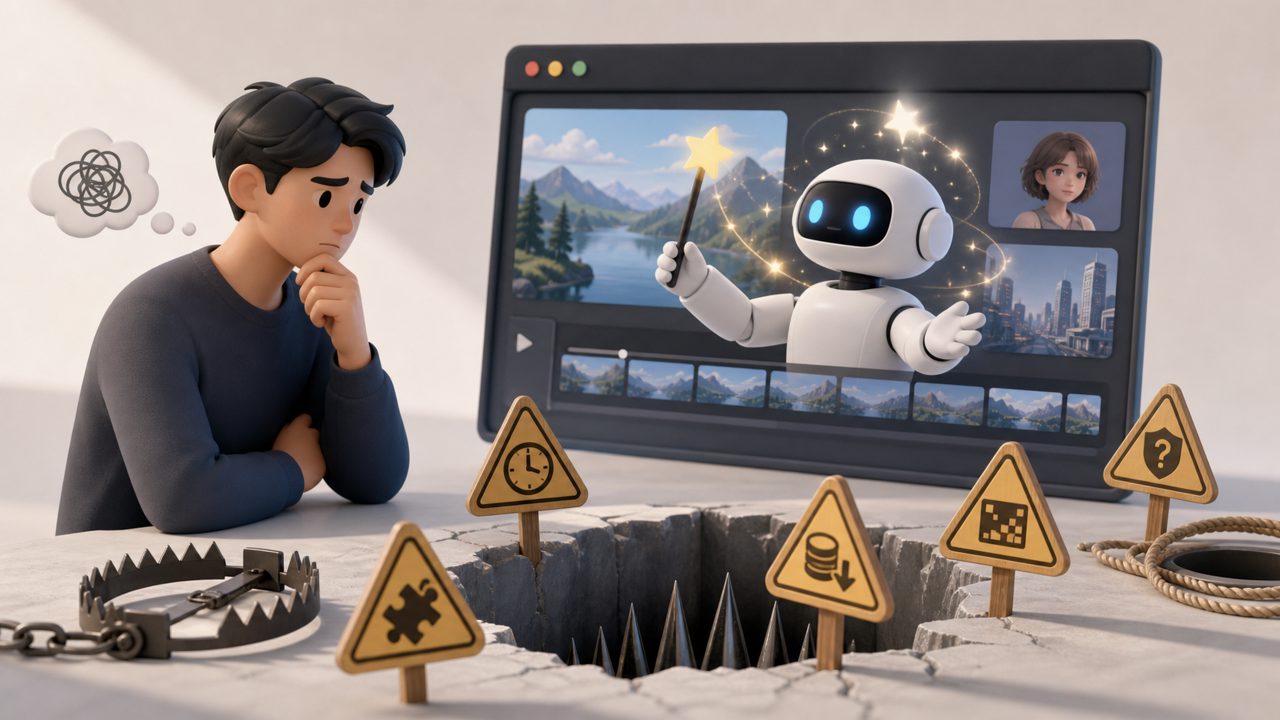
Many people first encounter AI video tools after stumbling upon a few impressive demos. The footage is smooth, the lighting is realistic, and it feels like the film industry has stepped straight into personal computers. But when you actually try it yourself, especially after paying for a membership, you realize the pitfalls come one after another.
The most common pitfall is treating the demo as the default effect. Especially for concept models like Sora that made a high-profile splash, they showcase extreme complexity—long takes, physics laws, character consistency. But when you use the tool in your hands to generate similar content, you'll likely get footage with erratic jumps, twitching fingers, and objects vanishing into thin air. It's not that the tool is bad; it's that the upper limit of most current AI video tools is far below the cherry-picked clips in promotional videos. Many people are brainwashed by those few Sora sample reels and benchmark all products against them—the higher the expectation, the greater the disappointment.
Overbelieving in "One Sentence Generates a Blockbuster"
Many platforms' copy is extremely tempting: just input a description, and AI will automatically generate cinematic footage. In practice, you'll find control is basically zero. You want the protagonist to walk from left to right, but AI insists on making them teleport and twist; you ask for a scene to maintain evening light, but the footage jumps straight from dusk to midnight. This "loss of control" is the norm for AI video tool users.
Not all tools are completely uncontrollable, but most platforms find it hard to achieve precise camera movements or specific expressions. If you're used to frame-by-frame adjustments in editing software, switching to AI generation mode will drive you crazy. The so-called "one sentence generation" in most cases only gives you a roughly directional clip, not a final deliverable.
Stepping on Copyright Landmines Without Knowing
Many people assume that AI-generated videos automatically grant them copyright, which is the third big pitfall. Domestic and international AI video platforms vary widely in their training data sources. Some tools explicitly require additional licensing for commercial use, while others outright forbid using generated results in ads or films. More insidiously, even if the platform allows commercial use, it might have a clause reserving the right to use your generated content to further train its models. Your material could become nourishment for someone else's next project.
The most practical advice is: before paying, dig out the terms regarding "intellectual property" and "commercial use" in the user agreement and read them carefully. Don't wait until your content is taken down or you receive a cease-and-desist letter to regret it.
Overlooking the "Editability" of Footage
The biggest hidden cost of AI video tools isn't the membership fee—it's the subsequent repair time. Many people generate a clip that's 80% right, but the wrong part simply can't be locally edited. Unlike photo editing software where you can retouch a specific area, video generation modifications often require rerunning the entire segment. After rerunning, the character's face might change, the lighting shifts, and the camera angle becomes different.
So before choosing a tool, it's best to understand its editing capabilities: Does it support local inpainting? Can it lock character consistency? At minimum, it should have basic cropping and splicing interfaces. Otherwise, the time you save will be sucked back into the loop of "regenerate—dissatisfied—regenerate again."
Mismatch Between Actual Scenarios and Tools
If you just want to make B-roll material for short videos or add some dynamic backgrounds to images and text, most AI video tools are sufficient. But if you want to create short narrative films, product ads, or need characters with consistent appearances and coherent actions, don't expect a single AI tool to handle it all. The best approach currently is: AI-generated footage + manual editing + effects and frame interpolation. Those who understand this workflow are less likely to be stymied by the tool's shortcomings.
Before choosing an AI video tool, ask yourself three things: How precise is the footage I need? How willing am I to accept randomness? Do I have the ability to do secondary processing? The clearer your answers, the lower the chance of stepping into pitfalls.
In Summary: Don't Throw Money in First
Almost all AI video platforms charge by generation duration or number of uses. Many novices buy an annual membership right away, only to find the generated quality far from their imagined Sora, and by then it's too late for a refund. The correct approach is to first use the free quota, batch-run different scenarios, understand the tool's actual output capabilities and shortcomings, and only then decide whether to invest in real projects. A tool is meant to solve specific problems, not to fulfill concepts. Seeing this clearly is more useful than reading ten reviews.
Comments
Leave a Comment