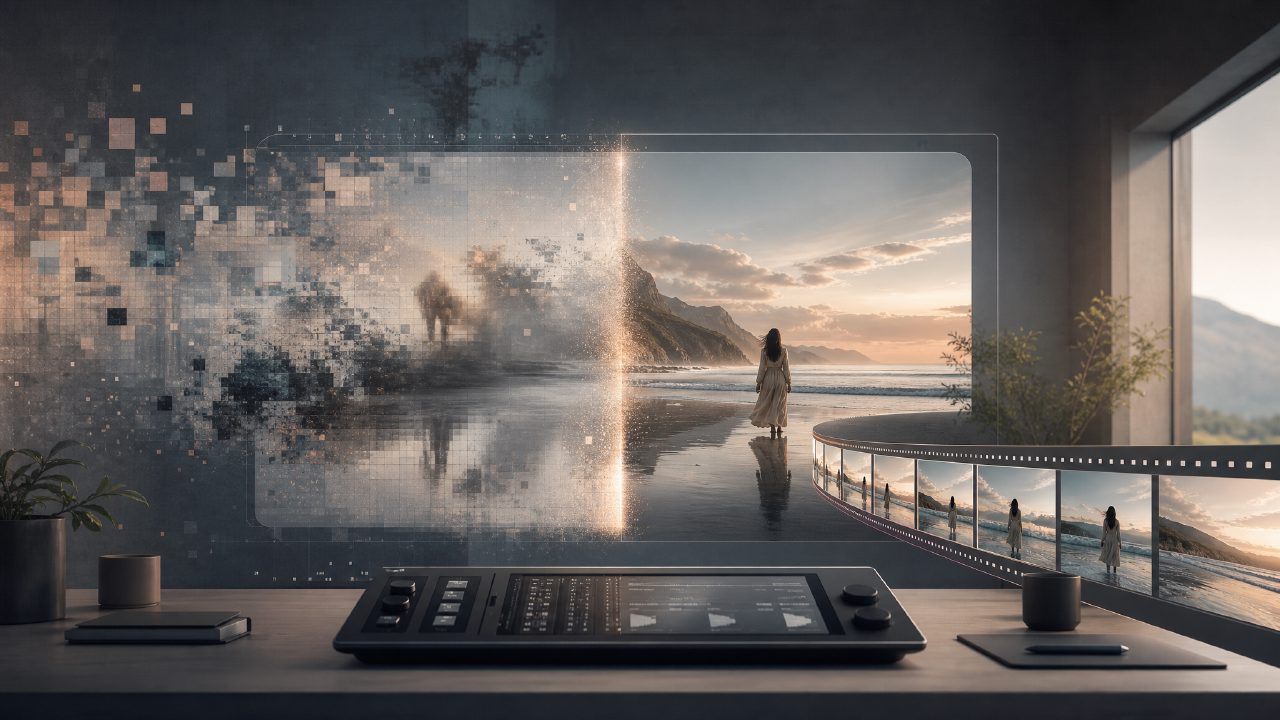
Text-to-video has been talked about for a long time. But anyone who has actually tried it knows that most tools produce results that either have characters jumping around or lighting that doesn't match at all. You give it a prompt, and it gives you a pixelated illusion. So when I heard about getsora2, my first reaction was, another one jumping on the bandwagon? After actually using it, I found that its difference from other tools is indeed worth discussing separately.
From Text to Image, What Does It Actually Solve?
I first tried it on the most common use case: product demo videos. What AI video tools fear most are continuous motion and object consistency. For example, when a car turns on a snowy road, in many tools' generated footage, the car will morph into something inexplicable at the turn, or the direction of snowflakes suddenly reverses. getsora2 handles this quite steadily. I gave it a prompt: "A red sedan turning on a mountain road in a snowy dusk, tires kicking up snow." In the resulting video, the car's silhouette, color, and even the reflection angle on the body remained consistent over the 3-second clip. This basic capability already eliminates a large number of competitors.
Another point that pleasantly surprised me was motion logic. Many people use text-to-video AI for creative shorts or concept previews, and what they fear most is object motion that defies physical intuition. When handling details like water flow, hair movement, and fabric wrinkles, you can see that getsora2 isn't simply applying a motion template; it's actually simulating motion trajectories. This is a huge plus in storytelling scenarios. For example, if you write "Wind blows through a wheat field, waves of wheat advancing layer by layer," the generated image won't be a stiff loop like a GIF; it has a natural relationship between foreground and background.
The Trade-off Between Parameter Control and Realism
Anyone who has used sora knows that while OpenAI's output is visually stunning, regular users can't change much. It's more like a black box: input a sentence, wait for the result. getsora2 takes a different approach — it gives you some control. For example, you can fine-tune motion intensity, visual style similarity, and even assign weights to certain areas. This design logic is practical: in a shot, whether you want the character's eyes to be more expressive or the background rain to be finer, you can adjust the parameters yourself.
Of course, having control means there's a learning curve. If you just want to generate a video with one click and post it on TikTok, getsora2's default "Quick Mode" works. But the real differentiators are the customization options. I recommended this tool to a friend's advertising agency for early creative previews. Their feedback was that the footage generated could be used directly to communicate with clients about "what this storyboard roughly feels like," without having to spend a lot of money on a 3D team to build a temporary setup.
Real-world Ceiling: Detail and Consistency
After discussing the good, I must mention the limitations. First is the aspect ratio and close-ups of people. If you write "close-up shot, fine lines at the corner of the eye," getsora2 does try to render it, but on close inspection, the skin texture detail is not on par with Hollywood-grade CG. Also, consistency over longer clips (over 10 seconds) still has subtle flaws. For example, after a character walks to the other side of a table, the fold direction of his sleeve might change slightly. In the industry, apart from the demos released by sora lab itself, no one has perfectly solved this. getsora2 sits at a level of "good enough, but don't use it for 4K Dolby Vision."
Another issue is the handling of cultural content. For example, if you write "Chinese wedding, red lanterns, elders serving tea," it tends to generate a pan-East Asian style image, not necessarily matching the specific scene of southern China. If you have extremely strict requirements for regional accuracy, you still need to manually add a few frames in post-production. This reminds us that the correct use of text-to-video AI now is to improve efficiency, not to replace.
Overall, if you're already using sora or other big companies' beta versions, getsora2 offers you more specific control and higher usability. If you've never tried it before, starting with getsora2 will save you a lot of trial and error. It's suitable for those who already understand that "having visuals alone is not enough; you also need logic."
Comments
Leave a Comment