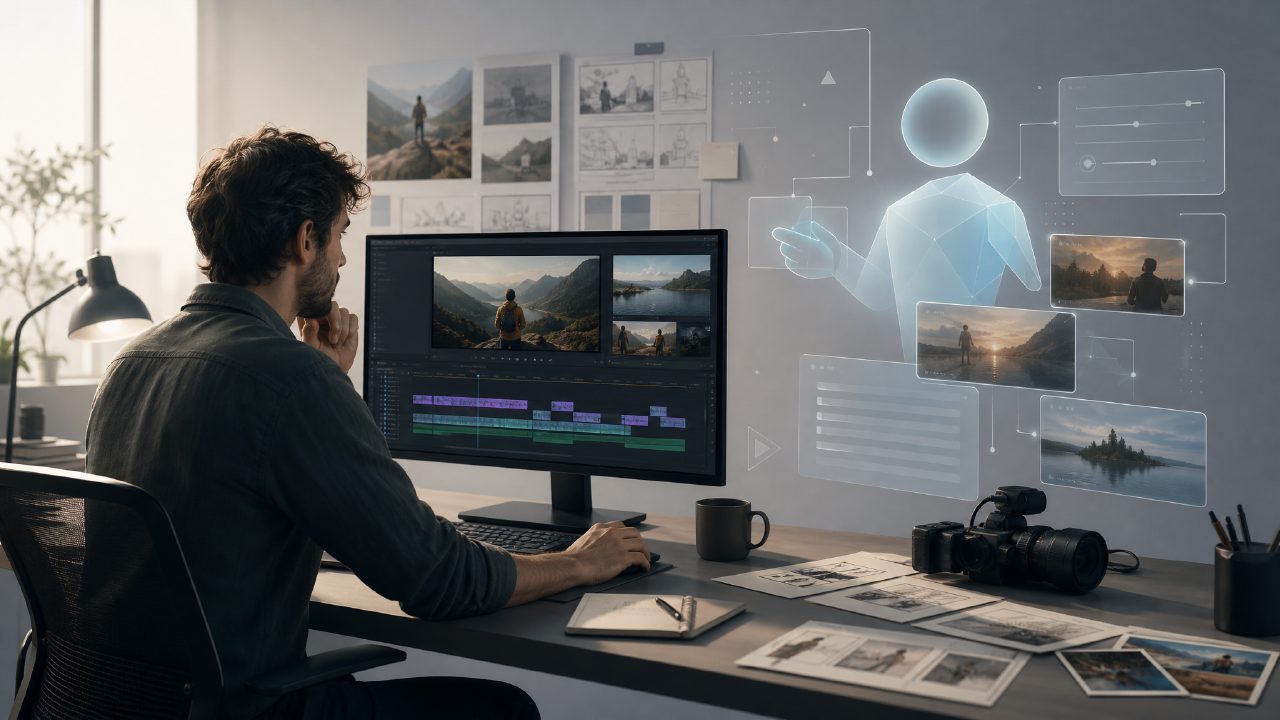
People new to AI video generation often share the same confusion: why do others' videos flow so smoothly and naturally, while yours look like a slideshow? The problem may not be with your creativity, but with not choosing the right tool and not understanding the true limits of current AI video generators.
What Can AI Video Generators Actually Do?
If you haven't tried
My personal test scenario: I asked the AI to generate a 20-second clip of "a street under neon lights on a rainy night," and the output showed almost no flickering or distortion. The key point is that it didn't simply stitch a few images together; it understood the reflection of light and the logic of movement in the scene. For short video creators, this level of controllability means truly usable material.
Where Are the Real Bottlenecks?
But don't expect it to replace your editor just yet. The most obvious shortcoming of AI video generators is "logical consistency." For example, if you ask a character to walk from left to right and then turn around, the AI might subtly change the color of the character's clothes after two seconds. This is especially noticeable in long shots.
Additionally, if you need precise control over the motion path of an object — for example, making a ball roll from point A to point B while avoiding an obstacle — most current AI video generators cannot understand such spatial instructions. You can only rely on luck and multiple attempts to get close to your goal.
Two Scenarios Worth Trying
The first is quickly generating atmospheric material. AI video generators are highly efficient for creating social media covers, brand shorts, or even background animations for product demos. A friend of mine who tried getsora2 created a ten-second "coffee beans scattering" scene for an e-commerce main image, and it significantly improved view-to-purchase conversion. No need for a production crew, and the cost is nearly zero.
The second is experimental creativity. Some visual ideas are hard to achieve with live-action or traditional CG, such as element morphing or surreal styles. In such cases,
How to Tell If a Tool Is Right for You
Don't just look at demos. Many AI video generators showcase carefully selected samples; running the same prompt yourself might yield half the quality. My advice:
If you need short videos with high aesthetics and low logic requirements (like concept visuals, background loops), then these tools can almost all do the job.
If you need long narratives, character consistency, and precise scene transitions, then even top platforms like getsora2 will need to be paired with traditional post-production polishing — you can't leave it all to AI.
Another easily overlooked point: video resolution. Some generators output 720p by default, and upscaling results in significant detail loss. When choosing, focus directly on output parameters and codec — don't be fooled by the phrase "4K support."
Conclusion
AI video generators still have a way to go before achieving "fully automated cinematographic output," but they have already become irreplaceable productivity tools in specific scenarios. Understanding their boundaries will help you avoid pitfalls when you need to produce videos quickly. If you haven't tried "making something" with
Comments
Leave a Comment