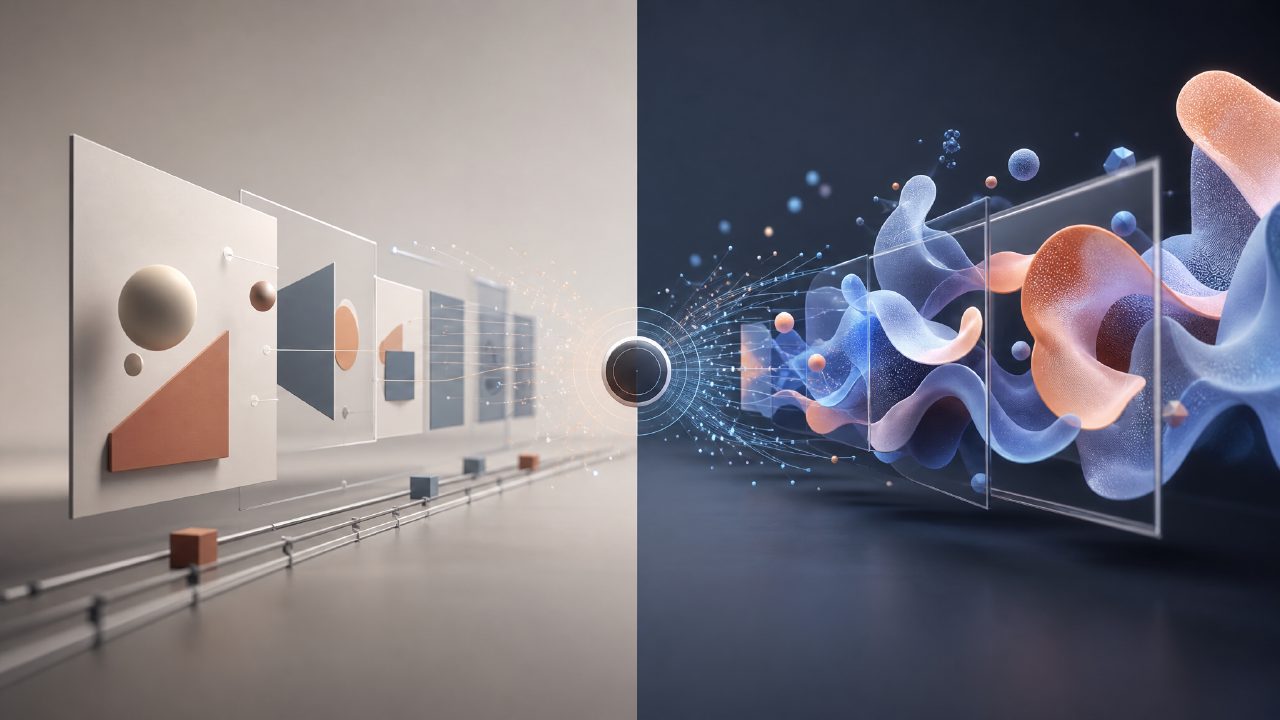
What exactly is AI motion design? How is it different from traditional motion design? This is a question many people have when first encountering the term. Simply put, AI motion design uses artificial intelligence tools to assist in or directly generate motion graphics, animations, and video effects, turning the original process that relied on manual keyframes, expressions, and heavy rendering into a semi-automatic or even fully automatic workflow. Platforms like getsora2 integrate AI capabilities into the video processing pipeline—it is not just "one-click generation," but allows you to control motion logic using natural language or simple parameters based on your existing footage.
Q: Can AI motion design directly replace designers?
No, and don't expect it to. The most realistic use case currently is: you use AI to quickly generate motion sketches or concept proofs—such as the transition rhythm of a logo animation or the trajectory of particle motion—and then manually fine-tune them. The processing logic of getsora2 is closer to "motion intelligence"—you tell it that an element should "slide in from the left, last two seconds, with elastic easing," and it will automatically fill in the keyframes, saving you the time spent dragging curves. However, creative direction, brand tone, and camera language still need to be controlled by humans. I have seen someone try to leave an entire 30-second brand video to AI, and after eight attempts, each version had an awkward rhythm.
Q: What is the relationship between sora and AI motion design?
Sora is a representative of text-to-video generation, while AI motion design focuses more on the orchestration of dynamic elements. The difference between tools like getsora2 and sora is that getsora2 handles the motion attributes of your existing footage rather than generating images from scratch. For example, if you have a product video on a white background and want to add a glowing halo animation around the product, the traditional approach would be to draw paths, adjust masks, and write expressions in AE. With getsora2, you only need to upload the footage and describe "a halo moving uniformly along the product outline, with 40% opacity," and the AI will generate an editable motion layer. In this scenario, sora cannot do this because it generates an entire video without the ability to individually control the motion parameters of a specific element.
Q: What limitations might you face when using AI motion design for commercial projects?
There are three main pitfalls. First, precision is uncontrollable: you describe "smooth movement from left to right," but the AI might interpret it as curved motion or add unnecessary rotation. Second, style consistency is an issue: if you're creating a series of tutorial animations where all transitions need to maintain a consistent easing curve, the AI may not remember the settings from the previous step and may generate different rhythms each time. Getsora2 has made some optimizations in this regard—it supports saving motion templates so that once you fine-tune something, you can reuse it, but the template parameter range is still relatively broad. Third, output format compatibility: many AI tools only output MP4, but professional workflows require JSON expressions or AE project files. Getsora2 supports exporting motion keyframe data to mainstream software, which is quite friendly for workflow integration.
Q: Should I choose getsora2 or use traditional software for motion design?
It depends on your project type. If your work is highly repetitive—for example, adding the same subtitle animations and transition effects to dozens of short videos every day—then using getsora2 can save a lot of time. If it's a one-off artistic project that requires extremely delicate manual control, traditional software plus manual keyframes remains the optimal solution. Another compromise: use getsora2 to generate initial dynamics, then export to AE or Motion for secondary modifications. This way, you enjoy the efficiency of AI while retaining the ability to manually correct any issues. Regardless of your choice, remember one thing: AI motion design handles the grunt work, not the creative work.
Comments
Leave a Comment