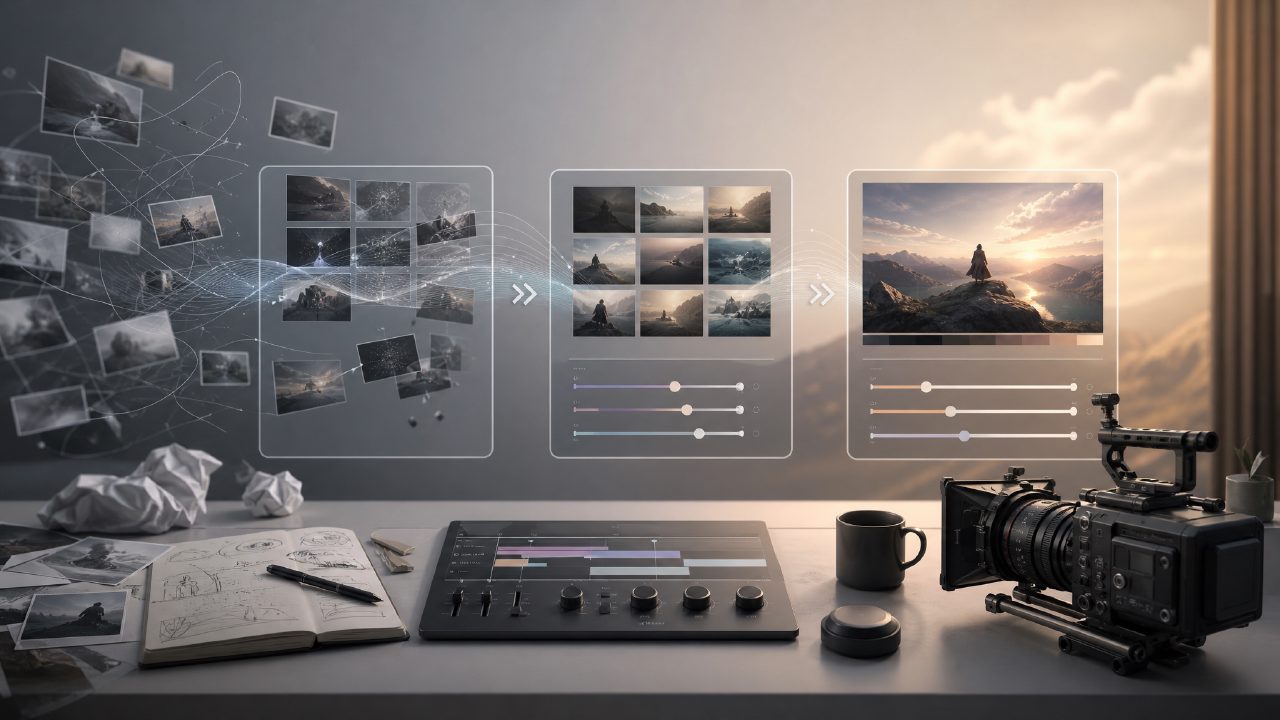
Recently, I was planning a short video project that required turning a text description into a realistic dynamic scene. I tried several tools, but either the results were too weird, or no matter how I adjusted the prompts, I couldn't get the desired effect. Later, someone recommended the AI filmmaker direction, and I stumbled upon the getsora2 platform.
To be honest, I didn't have high expectations when I first opened it — there are too many platforms like this now, with flashy interfaces but few that are actually usable. But after using it, I found it's quite different from those "shell" tools on the market that merely tweak parameters.
One Piece of Footage Made Me Revise It Three Times
My test task was simple: generate a video of "an early morning city street, with streetlights glowing in the fog, a person in a trench coat walking by." This type of scene has requirements for lighting and character movement, making it moderately difficult.
For the first version, I ran it directly with the default model. The result had stiff character movement, the lighting was off, and the fog effect was present but more like noise. At that point, I thought maybe this tool was just average. But with a mindset of trying one more time, I adjusted the weight of Sora-related parameters — getsora2's support for the Sora model is quite detailed, unlike some platforms that only have a single switch.
After the adjustment, the second version was significantly better: the fog had a sense of depth, and the swaying of the character's coat hem while walking was natural. However, a problem emerged: there was an extra car in the background that shouldn't have been there, and the color tone was warm, not the cool, crisp early morning I wanted.
For the third version, I simply added "cool tones, no vehicles" to the prompt, and also wrote "car, warm colors" in the negative prompt. This time, the result was basically satisfactory: the halo of the streetlight spread realistically, and the character's walking rhythm was correct. The only minor regret was that the details of the trench coat material were slightly blurred in motion — this might be a trade-off between computing power and duration.
The Trade-off is Clear: Fine Control vs. Output Efficiency
After using it, the biggest feature of this platform is that it allows you to do relatively detailed fine-tuning. It's not a black-box operation like "choose a style, wait a few minutes"; instead, you can adjust parameters such as model selection priority, animation smoothness, and subject consistency. For users who want to create a specific final piece, this is a plus.
But the problem is also straightforward: time cost. Each time you adjust parameters, run the generation, and repeatedly review, about ten minutes go by. I spent nearly an hour completing three iterations plus final fine-tuning. If you just want a "decent-looking" video, you may not need such detail.
Additionally, the platform's hardware requirements are not low. The graphics card I used is an RTX 4070, and when running medium-length clips, the VRAM was nearly full, and rendering time was longer than expected. If you are a regular laptop user, it is recommended to try the free resources first before deciding to invest more.
Who is it Suitable For? Who Might Not Need It?
If you are a content creator, short drama producer, or need to quickly turn a proof of concept into a visual proposal, getsora2 is worth trying. Its level of control precision is higher than most competitors, especially when paired with the Sora model, the usability of the generated results is good.
But if you just want to make a few-second accompanying video for social media, or have no patience for post-production adjustments, then this platform might be a bit "heavy" for you. Simpler online generation tools might be more suitable.
Also, a word of caution: its export specifications and resolution options are directly tied to pricing. Free users can only export low resolution, and there is a watermark. If you're just testing it out for fun, it's not a big deal; but if you actually need to use it in a project, you need to calculate the budget.
Overall, the AI filmmaker path is still far from the stage of "input a sentence and get a finished video," but getsora2 is currently one of the better platforms that returns choice and autonomy to users. It's not perfect, but it has genuine usability — which is already rare among the few platforms I've tried.
Comments
Leave a Comment