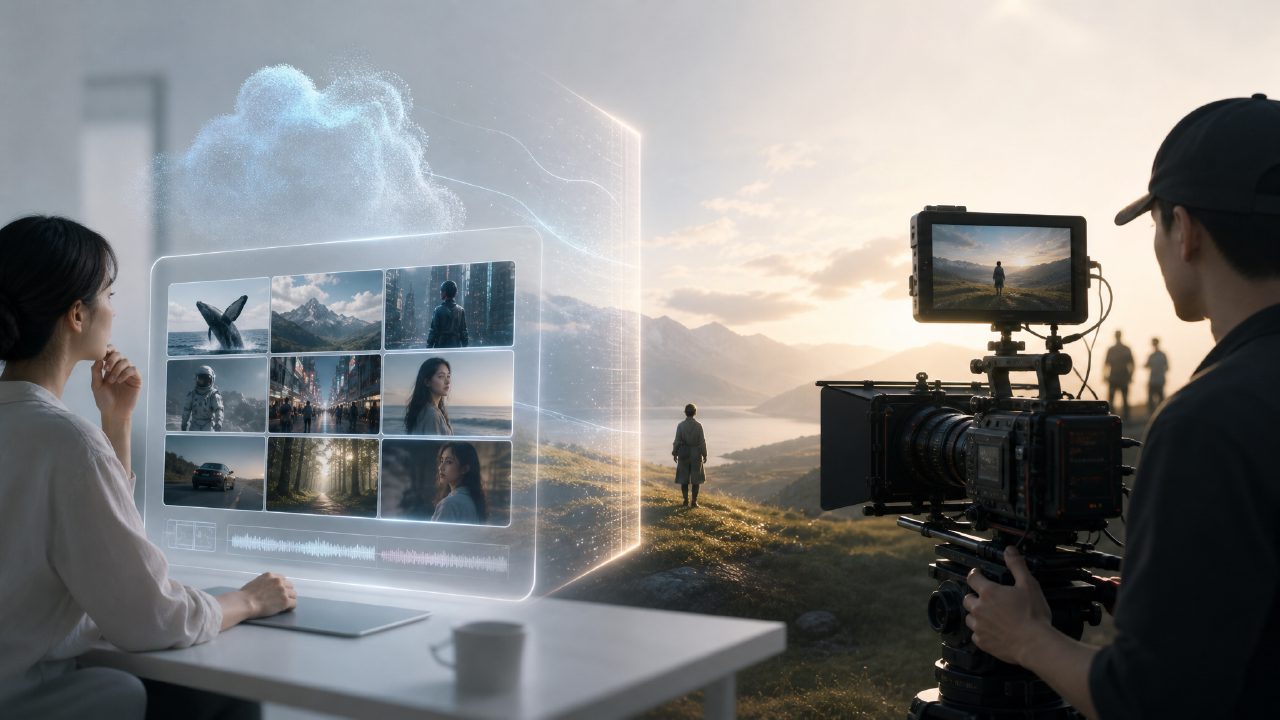
Q1: Can AI video generator really be used directly for production?
Most people's biggest fear when first trying AI video is generating a bunch of clips that 'look like something but are unusable.' After hands-on testing, getsora2 and similar AI video generators can already handle mid-shots, slow motion, virtual scenes, etc. However, the prerequisite for 'direct production' is that you need to give it a sufficiently clear description, not just a few keywords and expect a finished product. Especially facial consistency is still being iterated; commercial ads may require touching up a frame.
Q2: How is it different from Sora?
Sora is an exploratory tool for pure text-to-video, currently with high barriers to entry for average users and low controllability. In contrast, getsora2 is more 'ready to use' - it supports uploading reference images, setting camera language, and even adjusting scene logic in segments. An analogy: Sora is a concept car, while getsora2 is a model already on the production line.
Q3: Is the generated video quality sufficient for commercial use?
It depends on your use case. For medium-length content on short video platforms (15-30 seconds), with pre-color grading and post-production audio, it's entirely sufficient. However, for 4K large-screen outdoor ads or beauty products requiring close-up pores, the textures of current AI videos still give away - especially at the edges of fast-moving shots, occasionally producing a 'melting' feeling. This is the reality of the entire industry.
Q4: Without a high-end graphics card, can such platforms run?
Yes. getsora2 processes in the cloud, so you only need a browser with normal internet access. The local graphics card only affects preview smoothness, not generation quality. That is, whether you use a MacBook Air or a PC with RTX 4090, the final output quality is the same, only the loading and preview speed differs.
Q5: How long does a video take? Can details be changed midway?
A 1080p 15-second clip takes about 3-5 minutes when there is a queue. Parameters cannot be modified during generation, but you can cancel and redo. Recommended approach: first generate a low-resolution version to confirm composition and motion logic, then switch to high resolution for the final version, saving time and credits.
Q6: Who would find it 'worth it' after using it?
If you are a pre-proposal person in an advertising agency, a social media content creator, or an operator who needs product demo animations but cannot afford a 3D team, this tool will significantly shorten your production cycle. However, if you pursue every frame to be as flawless as a live-action film, you'll need to wait for the next round of technology iteration. It's suitable to try before you buy; don't stock up on too much usage at once.
Comments
Leave a Comment