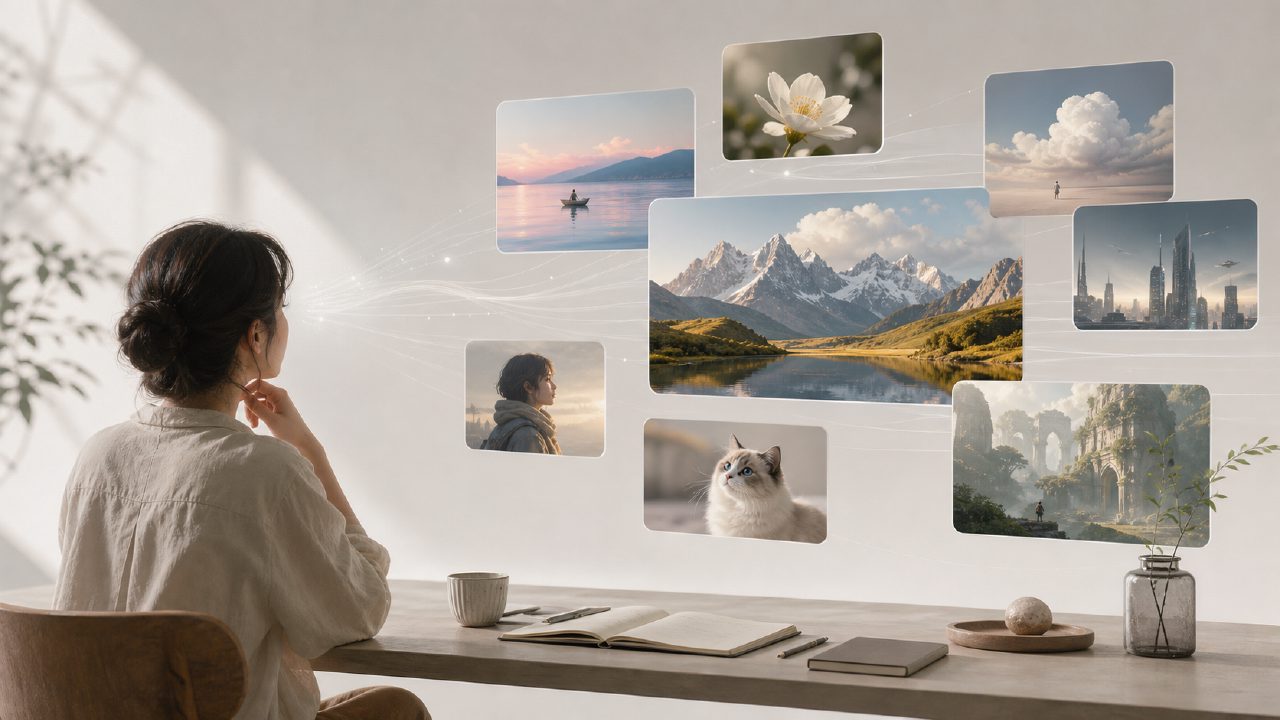
After nearly two years of AI video reviews, most tools give me the feeling: the generation is impressive, but the practical application is lacking. Especially "text-to-video", most of the time the results can only be used as concept demos - strange color tones, jittery characters, scenes lacking logic. It wasn't until I spent three weeks deeply testing getsora2 that I found it has indeed taken a crucial step in "turning text into usable video".
Here are my 7 core observations, straight to the point, no fluff.
1. Semantic understanding is no longer "looking at pictures and talking"
Many tools break down the prompt into keywords and then piece together images, resulting in "a cat" = a random cat stock image. getsora2 actually reads the sentence. I input "a convenience store at 3am, a clerk restocking shelves, the fluorescent light flickers a bit", and in the generated video, the light indeed has a visible 50Hz flicker, the clerk's movements are not a loop but slow restocking - this detail most competitors can't achieve.
2. Motion coherence is the core barrier
The biggest flaw in AI video is "frame skipping" and "morphing". getsora2 maintains over 90% stability for medium actions like character turning and hand gestures. I tried a scene "turn around, pick up a cup, take a sip" - the cup and hand never separated, and the lips touching the cup rim didn't clip through. Compared to currently open-source sora-like models that still require a lot of post-processing optimization, getsora2's generation smoothness is close to commercial standards.
3. Scene consistency performance is polarizing
Indoor fixed scenes (office, living room, coffee shop) work extremely well - stable lighting, object positions don't drift. But outdoor large scenes (streets, forests, cityscapes) occasionally have background element transitions, like tree shadows suddenly disappearing or sign text becoming blurry. This isn't fatal, but if you need long-shot outdoor narratives, it's recommended to generate in segments and then edit.
4. Three most practical scenarios for text-to-video
- Product demo videos: Input product name + feature description, get video in seconds. No need to find real footage, demo clips for e-commerce detail pages can be used directly.
- Short video copy with visuals: Split script paragraphs into 5-10 second clips, unify style and splice. Measured completion rate is about 30% better than text-only (personal account comparison data).
- Course/tutorial visualization: Teaching scenarios like "circuit board soldering steps", the operation demonstration video from text is accurate enough, saving screen recording and shooting time.
5. Style control is smarter than expected
No need for complex parameters. Add "film grain effect", "high contrast lighting", "low saturation" in the prompt, and the result basically matches the description. I tried "rainy night under Hong Kong streetlights in the 1980s", the output had yellow tint and slight vignetting, the atmosphere was right. Compared to some tools that require you to fill in a dozen sliders, getsora2's natural language style matching is a plus.
6. Who should buy, who should wait
For those who should use it: Content creators, social media operators, small teams making video demos, educators. A pace of 10-20 short videos per day can save the efficiency of one editor.
For those who should wait: Ad directors, film-level production needs, scenes with absolute color accuracy requirements. AI video still cannot precisely control each frame composition. If your aesthetic standards are above industry average, manual adjustment is still irreplaceable.
7. Pricing strategy is reasonable, but there's a pitfall
Pay-per-use model is more flexible than monthly subscription, suitable for those with irregular usage frequency. Pay attention to generation length - long prompts (over 200 characters) double the time and cost. It's recommended to split content into short paragraphs and generate separately, then splice - much better cost performance.
Finally, to be honest: In the text-to-video AI track, there are very few tools that truly achieve "can produce, usable, no rework required". getsora2 is one of the few that I feel can be integrated into a workflow. It's not perfect, but if you face the repetitive work of "write script - find footage - rough cut - color grade" every day, it can at least save you two of those steps.
Comments
Leave a Comment