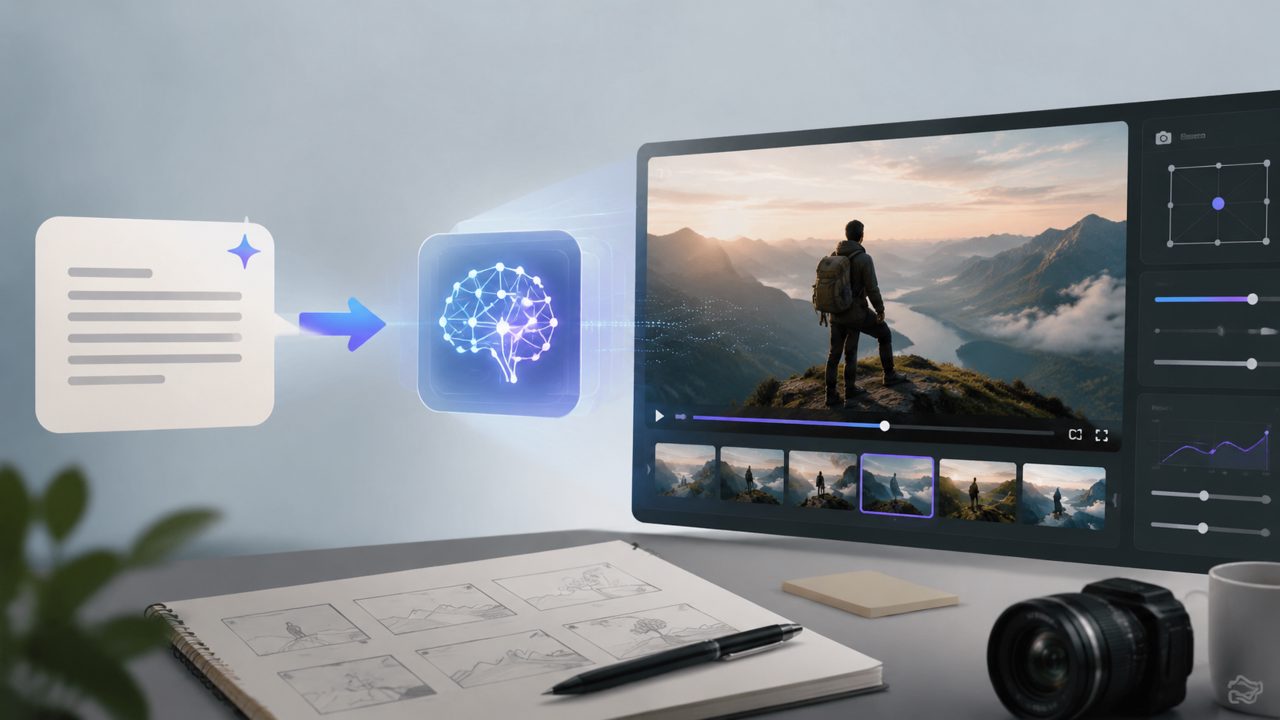
Generating a video directly from text sounds cool, but anyone who has actually used it knows the pain points are very real: either the generated video is logically chaotic, the character movements look like jump cuts, or you wait forever and the result is unusable. Today we're not talking concepts—let's directly examine the core points to pay attention to when using text to video AI tools (such as getsora2 and similar platforms). Especially considering the recently popular Sora technical route, there are some pitfalls and opportunities worth understanding in advance.
1. Semantic Understanding Ability: Don't Let AI Turn Your "Cat" into a "Dog"
Many tools seem to work, but if you tell it "an orange cat basking in the sun on a windowsill, slowly wagging its tail," does it really understand the rhythm of "slowly" and "wagging"?
Test experience:
- Simple commands (e.g., "a person walking") most tools can handle.
- Complex commands (e.g., "impatiently glance at the watch, then sigh" — referencing Sora's strengths) test the model's understanding of action sequences and emotions.
- If realistic videos require precise control, prioritize platforms with specialized optimization for action semantics, such as getsora2, which emphasizes professional processing.
2. Duration and Consistency: 5 Seconds Is Fine, 30 Seconds Exposes Flaws
Short clips don't show issues, but once you need to generate coherent content over 15 seconds, many text to video AI tools show their weakness: background flickering, sudden changes in character clothing, cups jumping around on the table.
A few real scenarios:
- Product demos: need product details and logos to remain consistent over seconds, otherwise users will immediately think it's fake.
- Short stories/narratives: need characters' expressions and positions to be continuous in the same scene; currently many tools still have shortcomings in long-term consistency.
- If you are making marketing videos, always test clips over 15 seconds to check for any "teleportation" or "color change" issues in the middle.
3. Camera Control and Motion Logic
When text describes "camera slowly panning from right to left" and "sudden push-in close-up," AI often confuses them. Some tools excel at zooming, while others get dizzy on rotation shots.
Observation:
- In the demos shown by Sora, the camera tracking and object motion logic are very natural, but that's a product under the ceiling of computational resources. Lower expectations for ordinary platforms.
- If precise camera movement is required, it's recommended to write "fixed position" or "slow pan" in the prompt, and avoid "fast rotation."
- Tools like getsora2, which target professional scenarios, often provide more fine-tuning options for camera control parameters, worth trying in depth.
4. Style Transfer and Multimodal Fusion
Pure text generation is basic, but practical scenarios often require combining text descriptions with reference images or reference videos. Most platforms now support image-to-video, but how to balance the weight of image and text?
Practical experience:
- If you upload a photo of a physical object and simultaneously write "backlit shooting at sunset," some tools will ignore the lighting in the image and render purely based on the text.
- It's best to choose products that support modes like "text as primary, image as reference" or "image as primary, text for fine-tuning."
- When creating brand materials, first feed in the product image, then write the text action; the effect is more stable than pure text generation.
5. Trade-off Between Generation Speed and Cost-Effectiveness
Waiting is a major headache for AI video. For 10 seconds of 1080p content, fast platforms take 2-3 minutes to output, while slow ones take over 10 minutes.
Let's be realistic:
- If you pursue speed, you may have to accept 720p or lower frame rates; if you pursue quality, you'll have to queue up or pay for a more expensive plan.
- If you are batch-testing script ideas, first run them at low resolution and short duration to confirm the creative direction, then output the high-quality version.
- Platforms like getsora2, which emphasize "professionalism," typically differentiate rendering queues and quality, suitable for users with regular output needs.
6. Finally: Determine If You Really Need Text to Video AI
Not all text is worth turning into video. Many instruction documents and process explanations are more efficient with images and text. Video is suitable for emotional rendering, action display, and immersive scenes.
If you decide to try, start with 3-5 second loop demos or dynamic backgrounds, then challenge longer narratives once you get the hang of it. The Sora route represents a direction, but the pragmatic choice at this stage is: choose a tool that is semantically accurate, consistent, and easy for you to get started quickly, rather than blindly chasing the highest parameters.
Comments
Leave a Comment