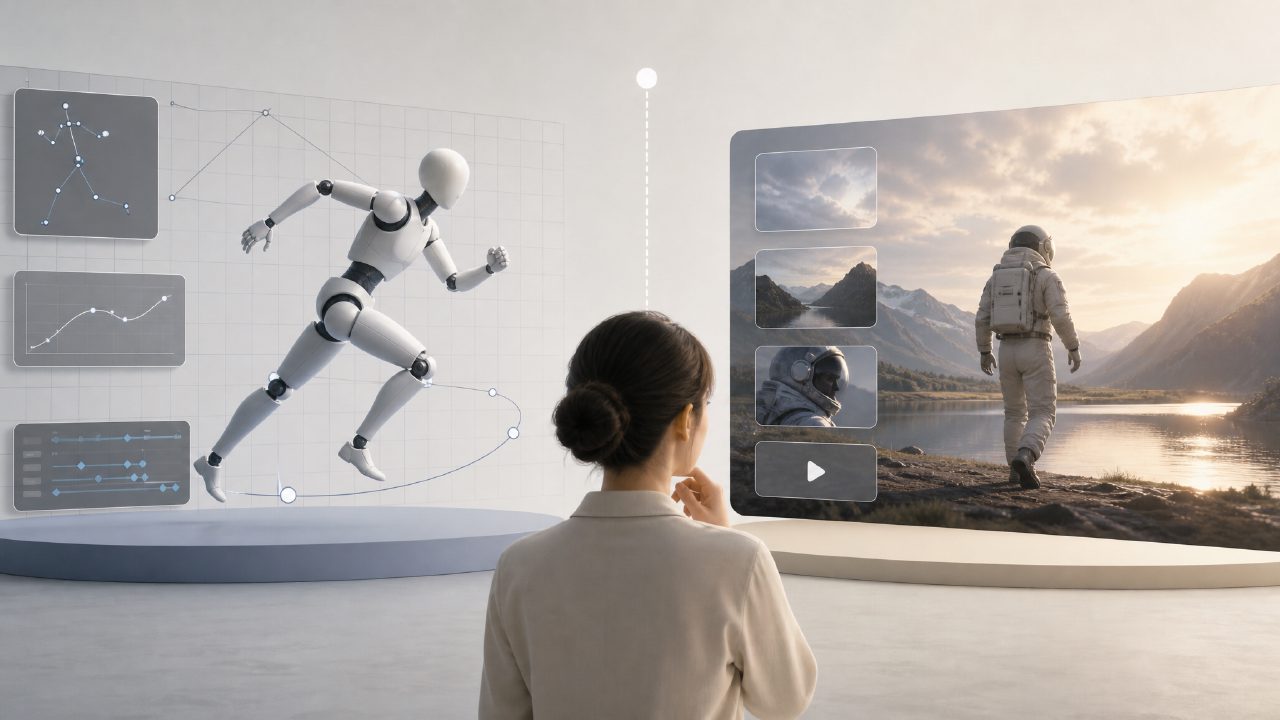
Recently, many people have been asking about AI motion design, with quite a few directly asking: "What's the difference between this and Sora? Which one should I choose?" It sounds a bit like a tongue twister, but the underlying logic is completely different.
What exactly is AI motion design? Is it the same as Sora?
Those who hear "AI motion design" for the first time are most likely to confuse it with text-to-video tools like Sora. Simply put, Sora is an AI video generator—you input a sentence, and it creates a video out of thin air. The core of AI motion design, on the other hand, is "adding motion to existing images" or "making static elements move."
For example: you have a product poster. Sora cannot turn it into a short video with a rotating display, but platforms like getsora2 can. It is more like a tool that helps you turn your design draft into motion graphics, rather than making a movie out of nothing.
Can AI motion design replace animators?
Not really, but it can save you 80% of repetitive work. If you are working on e-commerce detail pages, where previously each product required manual keyframing for rotation, scaling, and translation, now you can input commands or drag parameters and get results in seconds. The problem is that complex character animation, emotional expression, and rhythm timing are still not handled well by AI.
My advice is: treat AI motion design as your "motion execution assistant," not your creative director. The creative direction and visual aesthetics are still up to you.
How complex effects can platforms like getsora2 run?
Based on actual testing, the most reliable effects are easing animations for UI icons, fonts, and shapes, or layered motion for flat illustrations. But if you want to make all the passersby in a photo start walking, it's better to go back to the video generation track—like Sora. Many of the "photo to life" demos you see actually involve several steps: first cut out and layer the image, then use motion design tools to assign different animation logic to each layer.
Getsora2's strength lies in parameter controllability. You adjust curves, duration, and acceleration, and the output is deterministic. Unlike some AI tools that give three different results for the same prompt three times, making commercial delivery impossible.
What tools are best for motion design?
There is no standard answer, but here is a trade-off approach: if you value "controllability" and need outputs for client approval, choose parameter-based platforms like getsora2; if you are making social media short videos and just want it to "look flashy," you can mix them. I've seen people first use Sora to generate a dynamic background, then drag it into getsora2 to overlay text animations and transitions.
An easily overlooked point: output format. Many AI tools only provide MP4, but when creating web animations or H5 interactive animations, you need Lottie or SVG animation formats. Getsora2 currently supports exporting these, which is very friendly for front-end implementation.
Do you need to learn coding for AI motion design?
Most scenarios don't require it. Drag-and-drop operations, preset parameters, curve editors—these are similar to using CapCut. But if you want to create interactive effects like "automatically responding to mouse scroll," you still need to understand a bit of JavaScript or the structure of Lottie. This isn't about the tool; it's determined by the level of effect you want to achieve.
Can I directly use animations made with AI motion design for commercial use?
Commercial use is fine, but there is a pitfall many fall into: copyright. The image or logo you upload to the platform, if it has its own copyright, the animation copyright is still yours. However, if you use templates or fonts from the platform's built-in asset library, be sure to check the license scope. Additionally, if the generated result contains random, unreproducible forms like those from Sora, it's best to note in the contract "AI-assisted generation, not human creation."
Back to tool selection: no single tool can do everything. Once you figure out whether you need to "generate a scene from scratch" or "make an existing scene move," you'll naturally know whether to open Sora or getsora2.
Comments
Leave a Comment