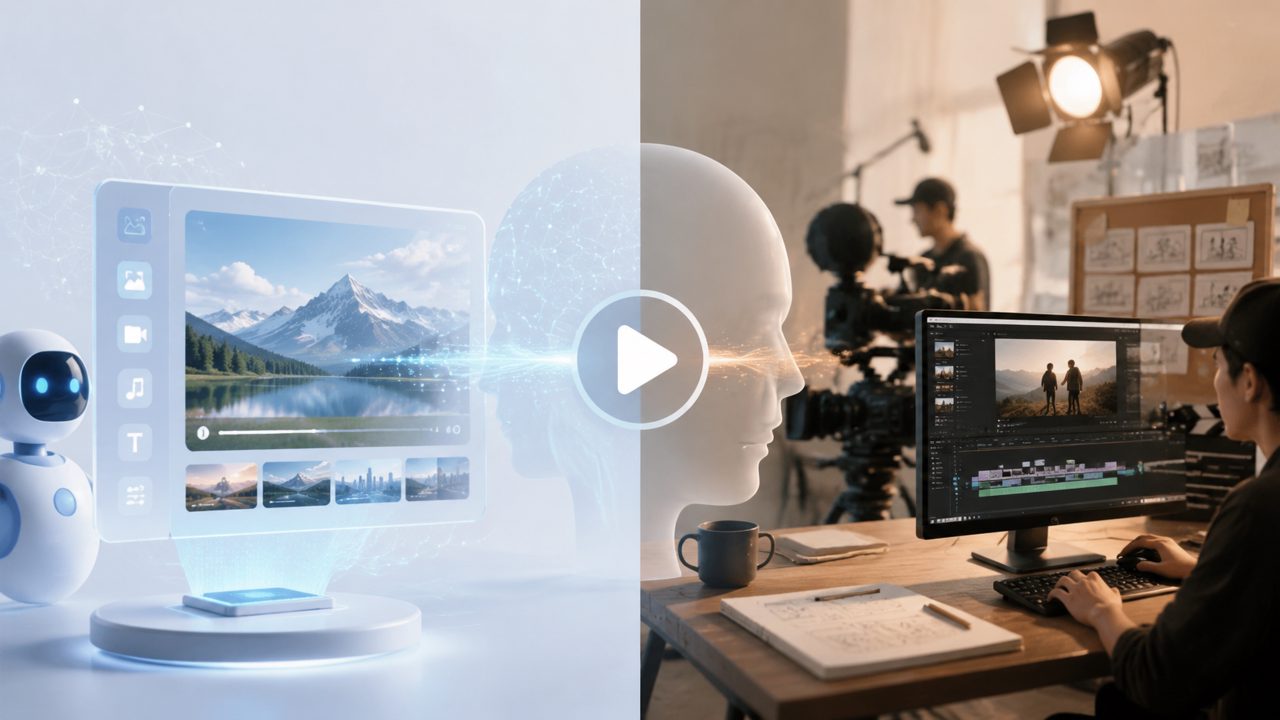
What is an AI video generator? How is it different from traditional video production?
Simply put, an AI video generator is a tool that can automatically generate new video content from text, images, or even video clips. Traditional production requires shooting, editing, special effects, and other steps; AI generators compress this into a two-step process: "input requirements → output video." Pioneering models represented by Sora have proven this direction is feasible, and platforms like Getsora2 go a step further—not only do they generate content, but they also apply professional post-processing optimization to make the output more usable.
The difference is: traditional methods are controllable but time-consuming, while AI methods are fast but the results can sometimes go wrong. For example, incorrect numbers of fingers on a character, or illogical object movement. That's why mature AI video generators now include correction and enhancement modules—this is precisely the value that Getsora2 emphasizes.
How long can an AI video generator produce videos? Is the resolution sufficient?
Currently, mainstream tools typically generate clips ranging from 5 to 60 seconds at a time. For longer videos, you need to concatenate or render in segments. Note that Sora has publicly demonstrated generating 60-second high-quality clips, but actual commercial tools usually keep single segments around 15 seconds to ensure stability.
In terms of resolution, Getsora2 supports 1080p or even 4K output. However, not all scenarios require high resolution—720p is perfectly sufficient for social media short videos, and generation is faster. If you are working on cinematic pre-visualization or ad intros, you can enable high resolution later.
What materials do I need to provide to use an AI video generator?
The most basic requirement is a text description (prompt). The more specific the description, the closer the result matches expectations. For example, "an orange cat yawning on a windowsill, sunlight coming from the right, fur shiny" will yield far better results than "cat yawning."
Advanced usage: provide reference images (character, scene style) or existing video clips for the AI to extend or modify. Getsora2 supports multimodal input—you can upload a product image and have it generate a short video showing that product dynamically in an outdoor scene. In practice, this approach has much higher success rates and consistency than using text alone.
Do I own the copyright to generated videos? Can they be used commercially?
It depends on the platform's terms. Most AI video generator services grant full commercial rights to users under paid plans. Free versions usually limit commercial use or require attribution. Taking Getsora2 as an example, videos generated by paid users belong to the user, and the platform does not reuse them.
However, there is a gray area: if the generated video is too similar to an existing copyrighted work (e.g., imitating a certain animated character), legal risks still exist. It is recommended to visually check for duplicates before commercial use, especially for character images. This point has also been raised multiple times in early discussions about Sora.
Can videos generated by AI video generators be directly used in editing software? Are formats compatible?
Most platforms output MP4 or MOV with mainstream codecs (H.264/H.265). They can be directly imported into Premiere, Final Cut, CapCut, and other software. Getsora2 additionally offers options for transparent backgrounds and alpha channels, making it easy to overlay on other video layers.
One common pitfall: AI watermarks embedded in generated videos. If you plan to use them commercially or in edits, be sure to confirm that watermarks can be removed or choose a watermark-free plan. Some tools force prominent watermarks for promotion; Getsora2 handles this cleanly on paid plans—completely watermark-free.
Why are my AI-generated videos always unnatural? How can I optimize them?
There are usually three reasons: 1) the prompt is too vague; 2) the model has limited understanding of complex motion; 3) lack of post-processing. First, regarding the prompt: adding keywords like "cinematic," "4K," "natural light," "slow motion" can improve the visual quality.
At the model level, top-tier models like Sora handle physical laws (gravity, collision, fluid dynamics) quite well, but the simplified APIs available to ordinary users may be downgraded. Getsora2's approach is to apply a "physical plausibility correction" after generation, automatically fixing issues like characters sliding while walking or light shifts. If you're still unsatisfied, try making the motion description more precise: "walk into the frame from the left, stop, turn head to look at the camera."
Finally: don't expect success on the first try. AI video generation is an iterative process—first produce a draft, then fine-tune the description, and finally use inpainting or regenerating for unsatisfactory parts. That's the professional workflow.
Will AI video generators replace video creators in the future?
Not in the short term, but they will change the way people work. Repetitive tasks (like generating B-roll footage, product rotation animations) will be replaced, while creative decision-making, aesthetic control, and story structure remain human domains. Look at those who create impressive content with Sora—they are mostly directors or designers guiding the AI, not the AI telling stories on its own. The value of tools is to improve efficiency, not to replace judgment.
If you are entering video creation now, mastering an AI video generator is already a basic skill. Starting with platforms like Getsora2 is low-cost and yields results much faster than learning the entire editing suite from scratch. Which one to use depends on your scenario and budget—first test with free credits, then decide. Don't blindly chase the newest models; stability is more important than parameters.
Comments
Leave a Comment