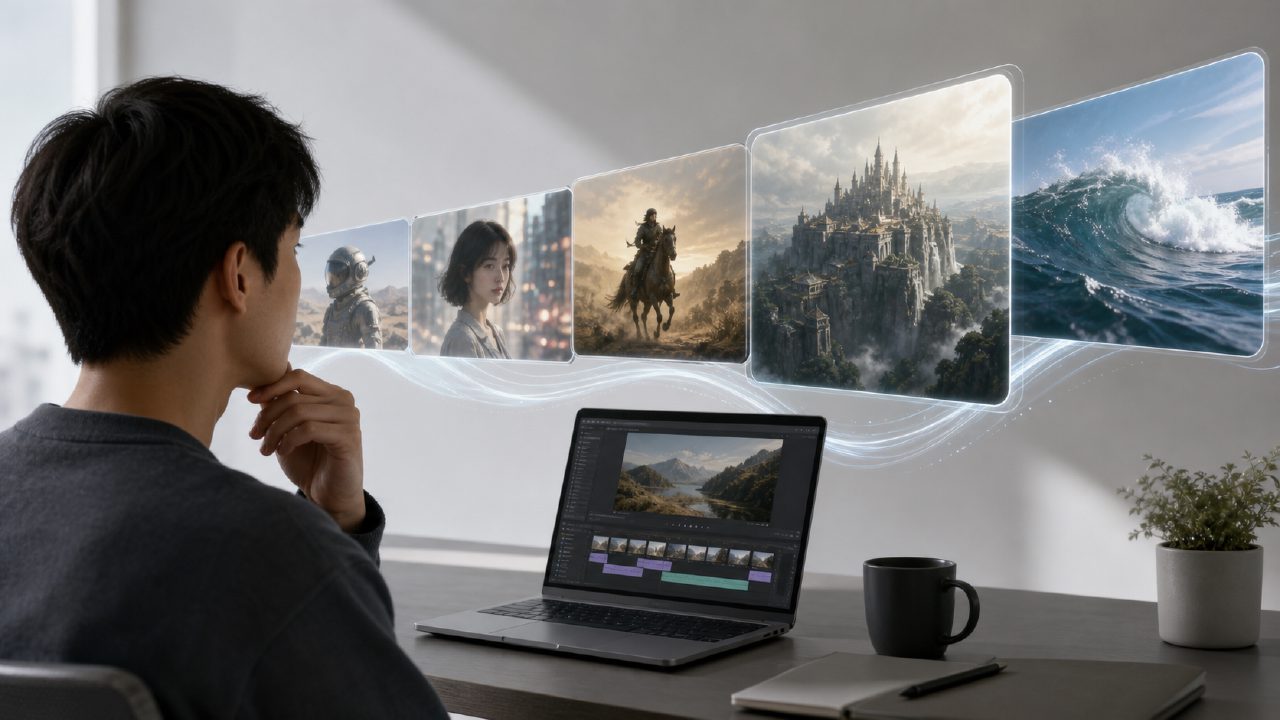
Open an AI video generator, type in "a cat dancing in the rain," and ten seconds later, a fairly smooth clip appears—that's many people's first experience. Once the excitement fades, the questions start.
Can it really be used for serious projects? How far behind is it compared to a system called Sora? Do I need to learn editing?
Below is a FAQ that directly addresses the most common questions I've been asked, as well as the pitfalls I encountered during my own testing. No beating around the bush.
How does an AI video generator actually work?
Simply put, it takes your text or image description and uses algorithms to "guess" the motion between frames. This is completely different from traditional rendering or special effects—no need to build scenes, set up lighting, or create keyframes.
But not all "guesses" are reliable. If you ask it to generate a person walking and the training data happens to have poor footage of that motion, the result might be a twisted ankle. Keep that in mind.
Can it compare to Sora? Why does everyone keep mentioning it?
If you want a serious comparison, Sora does have a slight edge in physical consistency (e.g., splashes when something falls, shadows when a person turns). After all, it has the team, data, and computing power behind it.
But realistically speaking, most people's current needs for AI video don't require that level of realism. You might need a product demo clip, a dynamic social media poster, or an atmospheric video asset. For these, many local AI video generators are actually more convenient in terms of generation speed and network environment.
So my take is—Sora represents the ceiling, but for everyday use, the products already available are sufficient.
Is the generated video clear enough? Can it be used directly?
It depends on the resolution. Most tools default to 720p to 1080p. If you're aiming for a 4K commercial ad, you'll still need to do post-production. But if you're just making covers, transitions, or background animations for short video platforms, it's perfectly adequate.
A common real-world scenario: Last week, I helped a friend create a minimalist brand intro. Plain black background + flowing silver particles. The AI produced it in one go with almost no wasted frames. If I had done it manually in After Effects, it would have taken at least two hours. The AI took four minutes.
But don't use it for close-ups of faces, finger movements, or complex nighttime scenes with lighting. The number of fingers and walking direction are still major issues.
After using an AI generator, do I still need to know how to edit?
It depends on what you want to achieve.
If you expect the AI to directly produce a complete video ready for playback—most AI video generators only handle the "visual content." They don't handle audio, subtitles, pacing, or transitions. You'll still need an editing tool to assemble the clips.
But the complexity is greatly reduced. Previously, you might spend 70% of your time on footage, 20% on color grading, and 10% on editing. Now, you can reduce that 70% to around 10%. The remaining time, you still need your own judgment to decide where each clip fits best.
So a more accurate statement is: AI video generators lower the barrier to creation, but they do not eliminate the work of aesthetics and storytelling.
Is the single generated clip long enough? Can it produce several minutes?
Most tools default to output lengths of 5 to 15 seconds. If you need longer, there's currently no direct "generate long video" option—it's usually done by stitching clips together or looping.
A typical approach: generate three different camera angles of ocean waves, each 10 seconds long, then edit them into a 30-second seascape clip. The effect is perfectly watchable.
If you're expecting a single prompt to produce a one-minute narrative short—wait for the next iteration.
Who owns the copyright for AI-generated videos?
Different platforms have different rules. Most public platforms (including professional ones like getsora2) transfer the copyright of the generated video to you, provided the source material doesn't infringe. If you use copyrighted reference images or have a prompt that's suspected of plagiarism, the risk is yours.
Another often overlooked point: if you use the generated content in commercial projects (ads, e-commerce, brand videos), keep the generation records. While not mandatory, they serve as proof of creation if your source is questioned.
Is it expensive? Are free plans sufficient?
It depends on usage frequency. If you just play around twice a week, the free quota is usually enough. But if you use it as a production tool, generating hundreds of videos per month, the free plan's quality and queue times will drive you crazy.
Personally, I think paid plans don't really offer "better effects" but rather "efficiency and stability." Business users should focus on: generation queue time, high-resolution access, and commercial use rights.
So, should I use an AI video generator or not?
If you're a creative or content professional, using it for "preliminary footage," "concept presentations," and "rapid iteration" is entirely mature at this stage. But don't expect it to replace the full production pipeline. Use AI video generators for repetitive, tedious, low-yield visual tasks, and save your energy for the parts that truly require your judgment—that's the most cost-effective way to use it now.
Comments
Leave a Comment