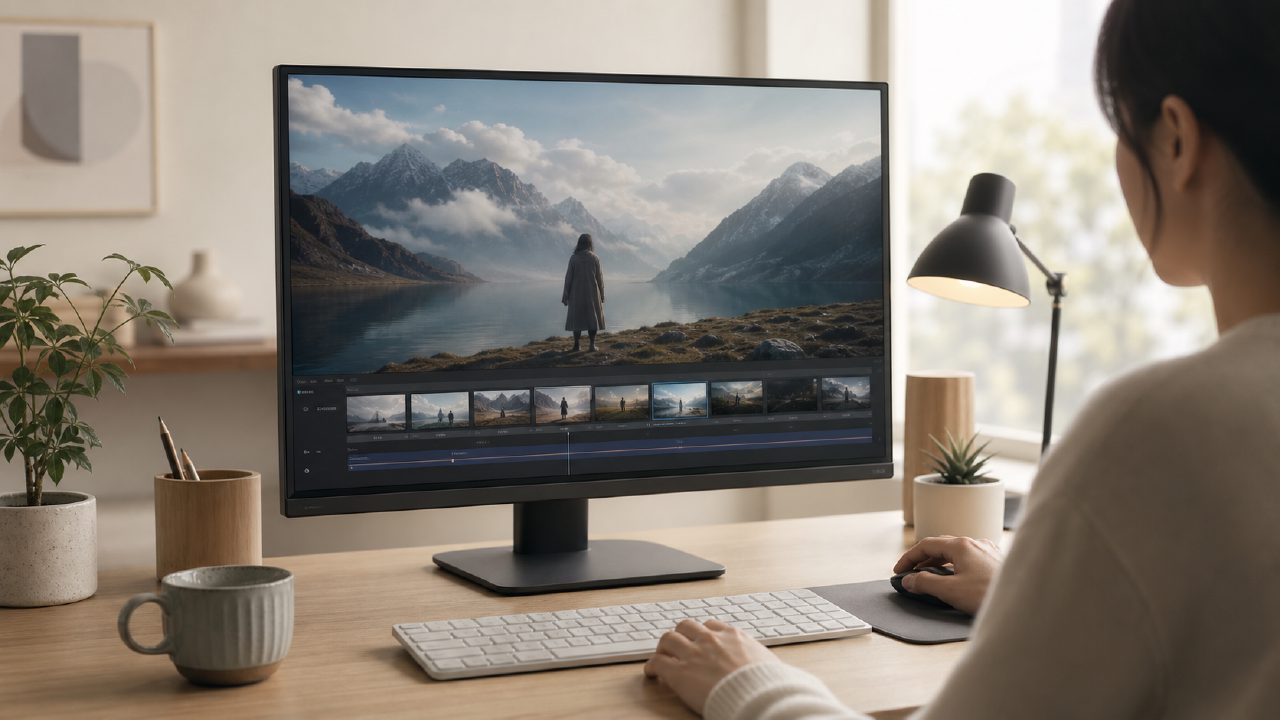
AI video tools are indeed abundant now, but most people get stuck at the same point: not knowing where to start. After looking at countless examples, they open the interface and see nothing but English parameters, then tweak for ages only to generate weird meme-like expressions. That's the real reason people search for "AI video generation tutorial" — they don't want ads, they want to see how to actually get a usable video to work.
This tutorial is not an academic resource that starts with principles. Instead, it directly tells you: using platforms like getsora2, from selecting a model to producing the final video, exactly how to click each step. I've broken it down into several key steps, and if you follow them in order, you'll hardly fail.
1. First, figure out which model you need
Most tutorials don't mention this; they jump straight to writing prompts. But in reality, if you choose the wrong model, no amount of tweaking later will help. For example, if you want to generate realistic human actions, you should go directly with the video generation route; if you're doing animation transitions or special effects compositing, you need a different processing pipeline.
On getsora2, the first step is to choose the right route based on the type of your material. If you use a static image to run a dynamic video model, the result will likely have stiff faces. Conversely, if you already have a video and want to apply stylization, you should go the image-to-video or video extension path. The tutorial clearly marks the applicable scenarios for each route — just follow the selection.
2. Prompts aren't better when longer
Many people write prompts like essays, and the AI can't grasp the key points. In practice, effective prompts follow a structure: subject + action + environment + style. For example, "a woman in a red coat turning and smiling in the snow, cinematic shot, 4K quality". Words like "beautiful" or "nice" are not understandable by machines; replace them with specific parameters to be useful.
The tutorial directly provides several common templates; you just replace them with your own material and they work. For someone with no prior experience, this step saves an afternoon of trial and error.
3. Don't overlook the role of reference images
Videos generated from pure text often fail in consistency — one second it's the same person, the next second the face changes. The solution is to provide a high-quality reference image to let the AI lock in the character's appearance and clothing details.
In practice, when using getsora2's image-to-video feature, a poorly chosen reference image can also cause problems. The tutorial specifically explains three principles for selecting images: clean background, complete subject, even lighting. If these three conditions are met, the first three seconds of the generated video will basically not fall apart.
4. Scenario examples: a few practical use cases
Just talking theory is meaningless; here are a few directions that have actually been successfully run:
- Product showcase short videos: Provide a product image on a white background, generate a dynamic video of it rotating 360 degrees or placed in a usage scenario, for e-commerce detail pages.
- Social media talking head replacement: Record a video of yourself speaking, use AI to replace the background or optimize facial dynamics, allowing scene changes without re-shooting.
- Short film frame interpolation and quality restoration: If footage has insufficient frame rate or low resolution, directly use the platform's restoration module to handle it, saving the need for specialized editing software.
The core of these scenarios is one thing: reduce repeated debugging time, generate once and it's usable. The tutorial provides parameter suggestions and common failure cases for each scenario, which is much more efficient than slowly trying on your own.
5. Let's be honest: a few common pitfalls
Before learning this tutorial, you need to accept a few realities:
- Not all prompts will produce results in one go; complex scenes may require multiple runs to select the best.
- Free credits can get you through the basic process, but for batch production you'll need to pay.
- Currently, any AI video tool (including Sora) has limitations in consistency for long videos (over 15 seconds), and the tutorial doesn't claim to solve this.
If you just want a process you can directly copy and paste, this tutorial can definitely do that. But if you expect "enter a description and generate a complete short film", no current tutorial can meet that.
6. How to determine if it's suitable for you
What you don't need to know: basic English, editing software operation, AI principles.
What you need: a clear reference image, a piece of footage within 30 seconds, a clear use case.
What you don't need: passion for AI technology — it's just a tool, as long as it works.
Simply put, this "AI video generation tutorial" is here to help you avoid the trial-and-error steps that other tutorials don't cover. Follow along once, run your first usable video, and everything after becomes much easier.
Comments
Leave a Comment