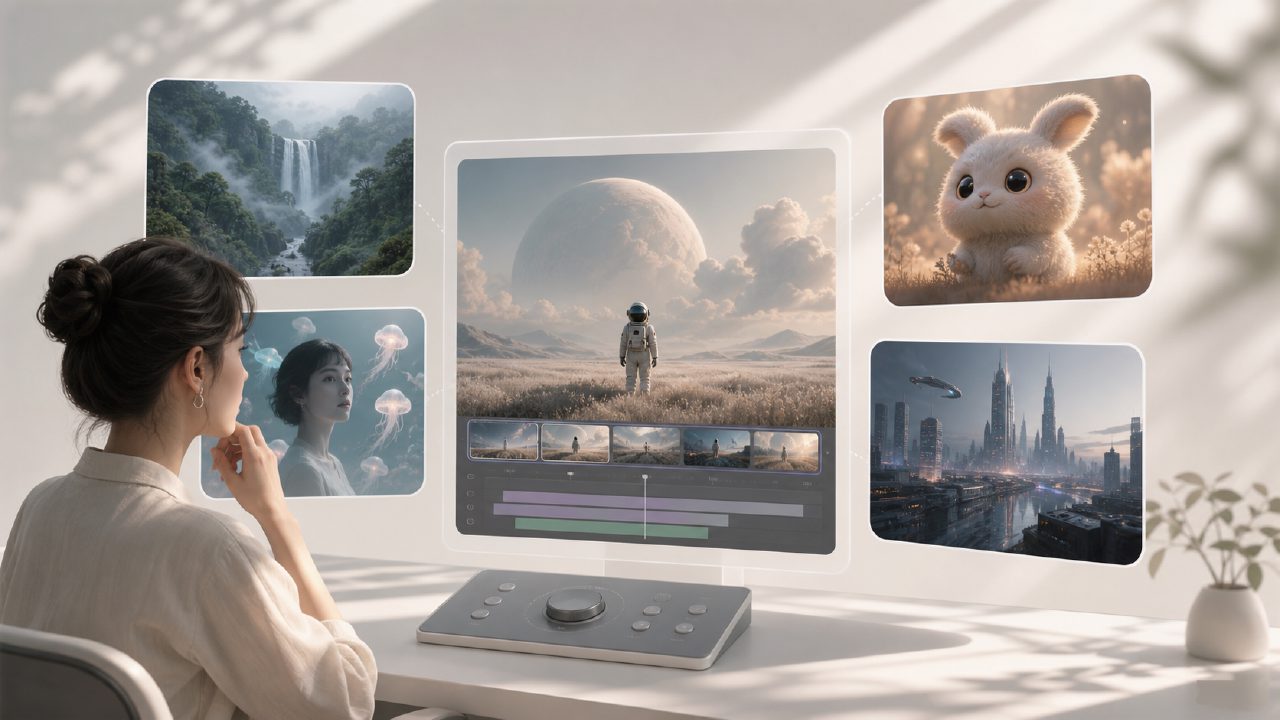
To be honest, when you first open a webpage and see the list of AI video tools, your first reaction is probably confusion. Runway, Pika, Kling, and the recently buzzworthy Sora... each name sounds impressive, but which one actually works and which one suits you? No one can decide for you. My approach is simple: pick the one with the lowest overall barrier to entry and the most complete features, then just get started. Runway is that choice.
Why Runway, Not Sora?
Sora certainly has stunning demo effects, but it’s still a semi-closed system—you can’t even use it yet, so discussing its usability is a bit premature. Runway is different: it has evolved from Gen-1 and Gen-2 all the way to Gen-3 Alpha. You can sign up and run it immediately—equal hands-on experience for everyone. The difference is practical: while others are waiting for beta access, you’re already editing real footage with it.
Another key point is "editability." Sora’s output is almost a black box—you can’t modify it. Runway’s editor, though not perfect, at least lets you crop dimensions, change frame rates, insert keyframes, and apply masks. Even if the generated result is only 70–80% of what you want, you can still salvage it through post-processing. In real projects, this matters more than anything.
Tool Comparison: Runway vs. Similar Alternatives
Take Pika for example: its interface is lighter and quicker to pick up, but the stability and coherence of its generated videos are noticeably inferior to Runway. In particular, issues like facial flickering and edge artifacts on objects are poorly controlled in Pika. Runway’s Gen-3 shows clear improvement in these areas—though it still occasionally breaks down, it can produce 5–6 usable clips out of 10, far better than Pika’s less than 3 out of 10.
As for Kling, it handles Chinese prompts and some domestic scenarios reasonably well, but its limitation lies in the ecosystem. After generating a video, if you want to color grade, add effects, or replace backgrounds, you have to export it to another software for further editing. Runway, at least, integrates some basic editing, color grading, and even green screen functions. Each feature may be "basic," but for independent creators handling the entire workflow alone, it saves the time of constantly switching between tools.
The Real Pain Point: Cost of Failure
Many people overlook one thing: the cost of failure in AI video generation. If you run a clip on Runway and the result is poor, you can immediately tweak parameters or rewrite the prompt and try again—the cost is just a few minutes. But if you use Sora (assuming you can even get access), each wait is longer, mistakes are more costly, and the room for trial and error is smaller. When you’re racing to deliver a project, it’s obvious which one is more reliable.
Here’s an example: last week I was making a product demo short video. The requirement was to generate a scene of a glass sliding across a table. Runway Gen-3 ran four times; on the fourth attempt, the motion blur and lighting consistency were good enough to use directly. With Pika, I tried seven times—each time had slight edge tearing. I didn’t try Sora because I couldn’t get access. Sometimes "usable" is more realistic than "the best."
Who Should Choose Runway, and Who Should Look Elsewhere
If you’re an individual creator, a small team, or facing tight deadlines with no time for constant rework—Runway is currently the safest choice. Its feature coverage is broad enough, its output stability ranks among the top two in its class, and you can actually start using it right now.
But if you have extremely high demands for artistic quality—say, you need still-frame aesthetics at the level of a brand TV commercial—then Runway’s creative ceiling might fall short compared to some specialized tools. In that case, you might have to wait for Sora to open up more, or use Midjourney to generate keyframes and then manually add motion. The workflow is more complex, but the ceiling is higher.
In a nutshell: Runway is not the destination, but it is the smoothest path from zero to one right now. Instead of getting excited over demo videos, spend a few dozen minutes running your own footage. When the time comes to push for higher quality, you’ll naturally know where to go next.
Comments
Leave a Comment