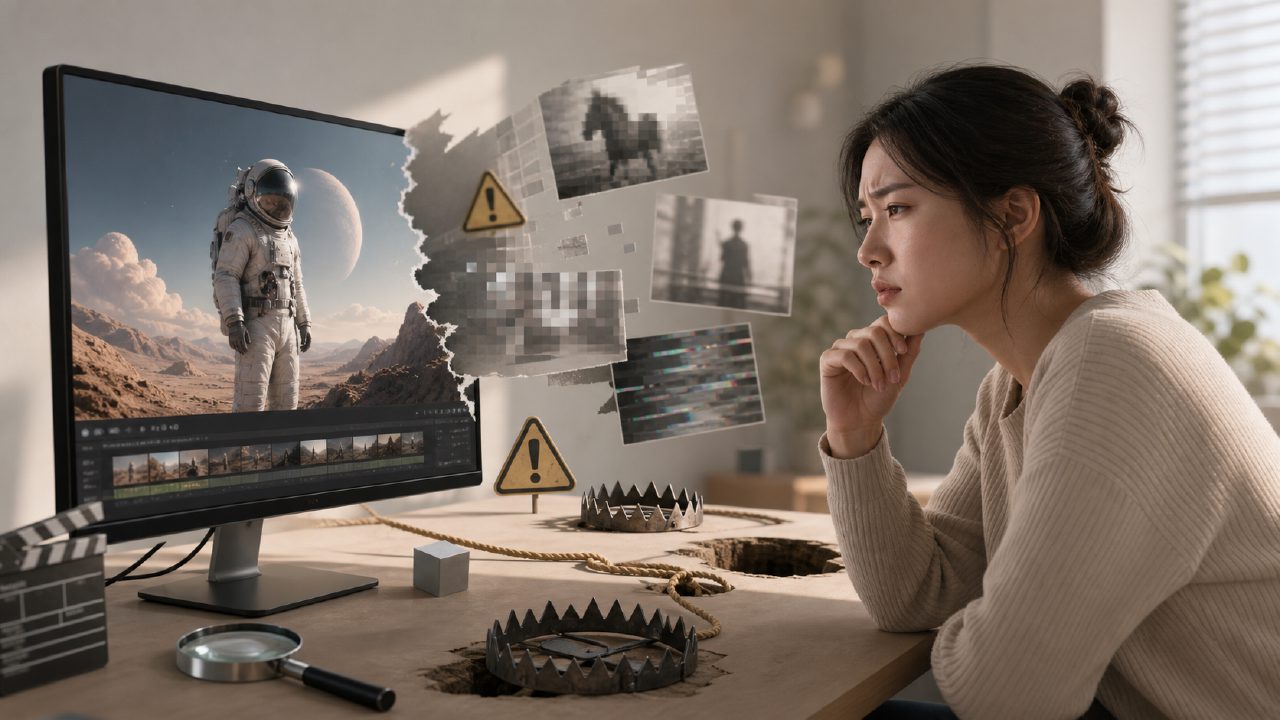
When you open any AI video tool page, you will see smooth footage and promotional claims of "one-click generation." But when you actually pay or spend time using it, the results are often not what they seem. Inflated resolution, distorted figures, and incoherent motion — these are more common. So this article doesn't hype features; it only talks about avoiding pitfalls.
The first common pitfall is mistaking demo material for actual output. Many tools, including the once-popular sora early promotional videos, showcased carefully selected highlight clips. When you input the same prompt, you'll likely get blurry, flickering, or even logically inconsistent content. What you get is not a movie clip, but a half-finished product that requires repeated debugging.
Don't Be Tempted by "Duration"
Some platforms claim to generate one-minute or even longer videos, but when actually produced, the latter half often becomes unwatchable. For example, a character suddenly gains two extra arms, or the background melts and changes chaotically. At this point, "duration" becomes a burden — you have to spend more time trimming and fixing. If you really want to use long videos for a project, it's better to first test the consistency and stability of short clips before considering splicing.
On professional services like getsora2, you'll find they often emphasize "controllability" over "length." Because truly useful videos are not about being as long as possible, but about every output being usable. I've seen people run dozens of times just to get a few usable seconds to meet a duration requirement, and in the end, when calculating time and computing costs, it would have been better to just shoot it directly.
Semantic Pitfalls of Text-to-Video
Another pitfall of AI video tools is "understanding deviation." You write "a person walking by the sea at sunset," and it might interpret it as "standing still in the water." You write "a cat jumps off the table," and it might make the cat hover in the air for two seconds. This isn't the tool being bad, but rather that current vision-language models still have limitations in understanding verbs and spatial relationships.
So don't expect a finished product in one go. The real approach is: first write simple actions, check frame by frame, then add details. If you see any blogger claiming to produce a masterpiece with a single prompt using tools like sora, either they spent hours sifting through outputs, or they did a lot of manual post-processing. Don't take that as your expectation.
The Gap Between Resolution and Actual Usability
"4K generation" sounds impressive, but many AI video tools' so-called 4K is just software upscaling, with not much native detail. When you zoom in on the edges, you see smudging and artifacts. If you really want to display on a large screen or use for commercial projects, you often have to reprocess it with third-party software like Topaz.
I've tried it a few times on getsora2. Its output isn't perfect either, but at least the resolution labeling is honest, not using interpolated footage to fool people. When choosing a tool, it's a good idea to download a raw clip first, and view it full-screen locally, rather than just looking at screenshots.
Creative Copyright and "Face Collision" Risk
One point many overlook: characters you generate using public models could be generated with identical faces by others. If you're doing commercial ads or brand content, this involves copyright ownership and uniqueness. Some platforms even state in their terms of service that "generated material may be used by other users." If you don't read carefully, the character you worked hard on could appear on a competitor's ad.
Here's a practical tip: it's fine to use generic scenes during testing, but for actual delivery, either use a service like getsora2 that allows you to upload private style models, or confirm in advance whether the terms include exclusive usage rights. Avoiding pitfalls is much easier than arguing afterwards.
Is There a Standard for Choosing Tools? Yes, There Is.
In conclusion, I suggest treating "AI video tools" as a toolchain that requires repeated tuning, not a magic wand. First, identify what problem you truly need to solve — is it quickly generating reference material, or directly producing finished footage? The former has greater tolerance, while the latter demands extremely high consistency, resolution, and semantic accuracy. Choose platforms based on needs, and don't be led by demos.
If you can't even achieve basic scene consistency, start with tools like getsora2 that favor stable output and professional workflows to build a solid foundation. It's not too late to consider switching when sora truly becomes open and mature. What matters more than chasing trends is using existing tools to produce something usable.
Comments
Leave a Comment