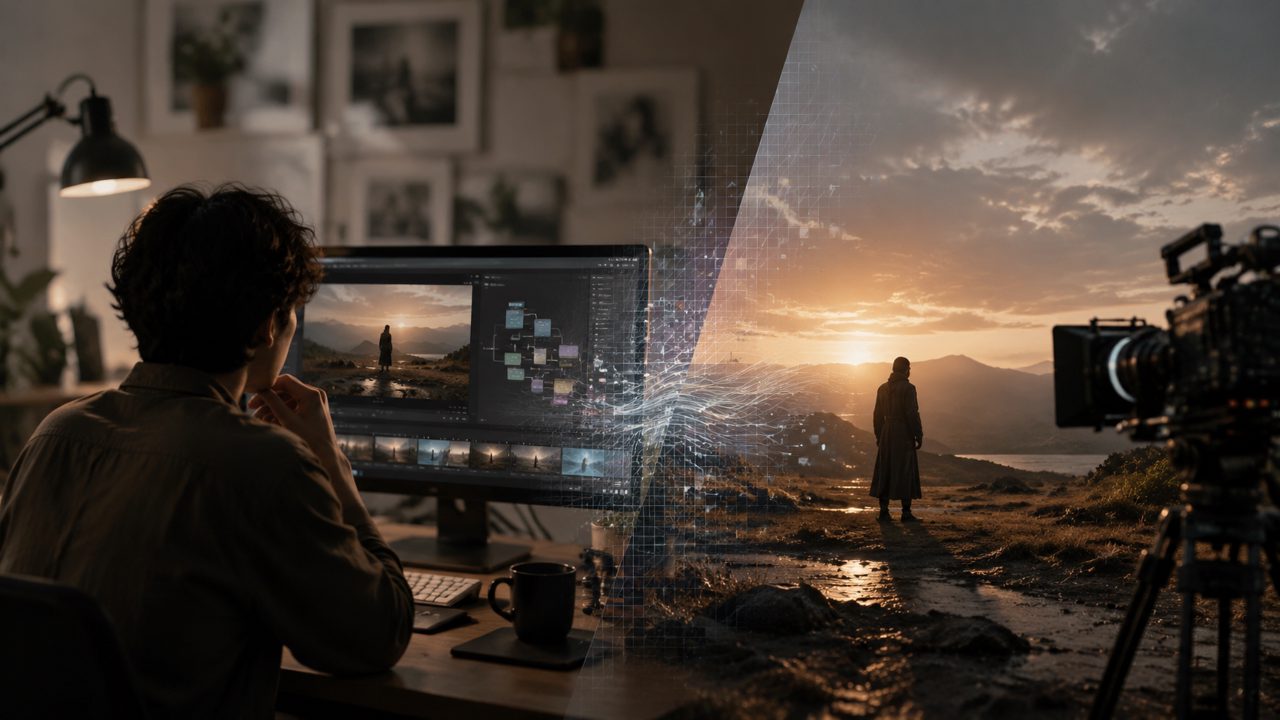
To be honest, I was skeptical about the label "AI filmmaker" at first. There are too many tools on the market claiming to "generate a movie with one click," only to fail at basic shot coherence. It wasn't until recently, when I needed to find素材 for a fast-paced short video project, that I reluctantly tested the current mainstream AI video tools again, including the new platforms based on the Sora concept.
This article is not really a review; it's more like a real record of the pitfalls I encountered. If you're also struggling with whether to invest time in this kind of tool, it might help you save some detours.
First impressions: lowered the barrier, but not as low as you think
Opening the AI filmmaker interface, my first feeling was that it's clean. No dense parameter panels; mainly an input box, style selection, and some key duration/resolution options. I tried using it to generate a video of "walking through a neon-lit Tokyo rainy alley, with the perspective moving slowly."
After about 30 seconds, the result came out. The visuals did have cinematic quality — the lighting was handled naturally, the halos refracted by raindrops weren't cheap effects, and the depth of the alley and the pacing of the camera push were pleasing. But the problems were also obvious: characters' movements occasionally had tiny "flickers," especially around the edges of hands, still showing traces of AI generation in local details.
I can accept this trade-off. If you're after mood and overall visual impression rather than pixel-perfect perfection, its output quality is already enough to support a short film segment.
Performance in practical scenarios: not universal, but great when used in the right context
Scenario one: Product concept demonstration
This is a very practical use case. I needed to create a 20-second scenario demonstration for a smart home device that hasn't gone into production: the protagonist enters the living room, lights turn on automatically, and the coffee machine starts working. After generating with AI filmmaker, the smoothness of the footage was better than I expected, and it could understand details like "the light gradually changing as the door opens." The downside is that the device's specific shape and logo couldn't be 100% restored; only the general design language was preserved. For internal proposals or early concept showcases, it's completely sufficient; but if you're presenting final visual drafts to clients, post-production refinement might be needed.
Scenario two: Complex narrative attempt
I tried having it generate "a man in a cafe receives a mysterious letter, his expression changes from confusion to alertness." The problem was clear: AI's ability to continuously express emotions is still weak. The expression in the first three seconds was appropriate, but when transitioning to alertness, the character's facial change was a bit stiff, more like a jump cut between two frames. This reminded me that such tools are better suited for segments with relatively single emotions, or those relying on cinematic language (lighting, editing rhythm) to tell a story, rather than plots driven by micro-expressions.
Trade-offs and judgments on Sora-like tools
Now many AI video generators on the market claim to be "Sora-level." After this period of experience, I want to offer a more sober assessment.
AI filmmaker has indeed narrowed the gap with Sora's demonstration level in terms of frame consistency, lighting realism, and camera dynamics. The current version's ability to maintain consistency — for example, objects staying stable in appearance after moving within the same scene — has improved significantly compared to tools from a few months ago. But it still has several obvious limitations:
- High computational resource consumption. Generating a 30-second high-definition video took my RTX 4090 nearly three minutes. If you use it heavily, time cost and hardware requirements need to be factored in.
- Complex instructions easily "lose accuracy in translation." If your prompt simultaneously includes characters, environment, action, lighting changes, and camera movement, AI often fails to handle everything. The safest strategy is to break down the requirements into multiple segments and combine them later.
- Style consistency. If you want a very specific art style (e.g., the line art style of a certain animation director), the similarity is only 70-80%. True style transfer capabilities are not yet fully mature.
Who is it for? Who is it not for?
If you fit these roles, I think AI filmmaker is worth trying:
- Independent creators and small studios needing quick visual references or mood snippets
- Marketers doing rapid A/B testing of visual materials
- Teams in the early concept design phase
If you fit these, you might want to wait:
- Those needing emotion-driven narrative short films
- Those with perfectionist demands for visual details (e.g., texture representation in product ads)
- Users with limited budgets relying on free solutions (currently its high-resolution output requires credits)
How should I put it? For me, AI filmmaker has "touched the threshold of cinematic feel but hasn't stepped into the living room yet." For someone like me who often needs visual groundwork for projects, it has already entered my practical tool list. But don't expect it to complete all the creative work for you — it can't yet, and I think this judgment will remain valid for the coming year.
If you've also tried similar tools and their output, feel free to share in the comments the specific trade-offs you encountered. After all, these tools evolve so fast that a month-old review might already be outdated.
Comments
Leave a Comment