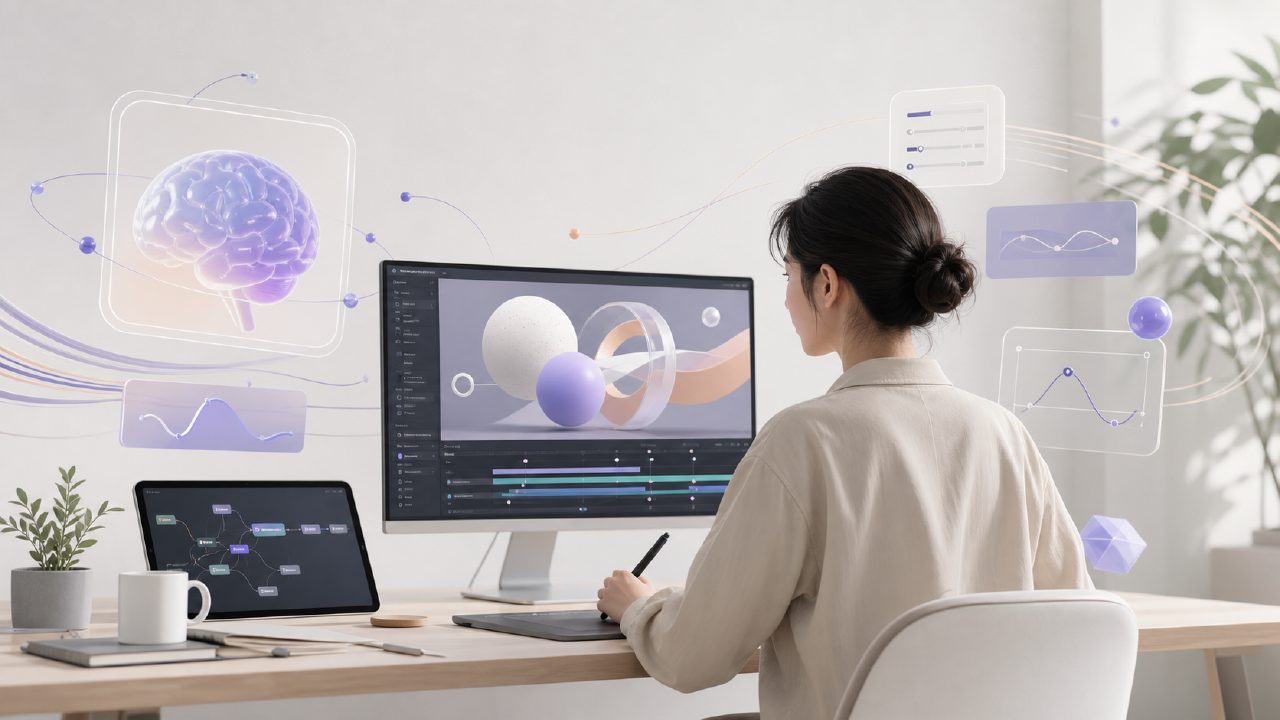
What exactly can AI motion design do? Is it just a gimmick?
Many friends working in animation, advertising, and short videos have recently asked upon seeing the term "AI motion design": Can the results pass the client's review? Or is it another piece of garbage that you show the client and they say "adjust it again"?
Let me directly share my observation: The practical value of AI motion design depends on which stage you use it for. If you expect it to generate a complete set of motion designs in one go, you'll likely be disappointed at this stage. But if you treat it as a tool for quickly producing dynamic sketches or generating transition effects in a specific style, it can already save a lot of repetitive work.
What is the relationship between Sora and Getsora2? Is Sora suitable for motion design directly?
First, let's clarify one point: Sora is a video generation model. It excels at generating visual scenes directly from text or images, not at fine-grained control over motion trajectories and timing. You can use Sora to generate dynamic footage, but if you need precise control—such as a shape scaling, changing color, or bouncing along a path—Sora currently cannot handle that kind of node-based parameter adjustment.
Getsora2, on the other hand, is a professional AI video processing service platform that fills this gap: it allows you to further break down, reassemble, and apply specific motion design rules to video clips generated by Sora or your own existing footage. In simple terms, Sora handles "generation," while Getsora2 handles "adjustment" and "assembly."
How far behind are the results of AI motion design compared to C4D and After Effects?
It's not fair to compare them directly. Traditional software gives you fully controllable curves, keyframes, and expressions—high precision but time-consuming. AI motion design currently excels at "quickly producing stylized solutions." For example, if you need to create a set of elastic icon animations for a brand, manually adjusting them in AE might take half a day, but using Getsora2 with preset AI models can produce several versions in just over ten minutes, from which you pick the best one and fine-tune it.
However, its weaknesses are also obvious: fine masks, frame-by-frame manual corrections, and complex multi-layer logic—AI still often fails here. So my advice is: use AI freely during the concept phase, batch output, and rapid iteration; but for final polishing and delivery, you still need to fall back on traditional tools to wrap things up.
What are the most common pitfalls when using AI motion design? How to avoid them?
The two most common ones: First, the generated motion lacks "motivation"—it moves without reason, with no rhythm or pauses. Second, style consistency is poor—the first few seconds are smooth easing, but then it suddenly turns into rigid displacement.
My approach: First, use Getsora2's "motion template" feature to anchor the core rhythm (e.g., the duration ratio of ease-in and ease-out), then generate in segments—don't give AI an overly long description all at once. You must also input reference videos for style locking; otherwise, AI tends to go off track on its own.
Which projects are ready for AI motion design now? Which should wait another two years?
Scenarios you can use now:
- Title animations and sticker effects for social media short videos—these update quickly and don't require high precision; AI is sufficient.
- Simple icon animations and transition effects in product demos—Getsora2 combined with background footage generated by Sora can save modeling and rendering time.
Scenarios where it's not advisable to force AI right now:
- Brand main visual title sequences and end credits, especially those needing seamless integration with live-action footage—the lighting and motion blur generated by AI often don't match.
- Music videos or subtitle animations requiring strict frame sync—AI's analysis of audio rhythm is still too rough.
When choosing an AI motion design tool, what key points should you look for?
First, the degree of intervention possible in the motion curve. You can't just click to generate; you must be able to adjust speed, path, and easing type. Getsora2 does this quite finely, supporting export for further editing in AE. Second, the diversity of material processing: Can it directly import videos generated by Sora, Runway, Pika, etc.? Can it handle alpha channels? This directly determines whether the workflow is smooth. Third, batch processing capability—if you need to apply the same motion effect to dozens of short videos at once, AI without batch functionality is useless.
Finally, a straightforward remark: The best role for AI motion design right now is as an "accelerator," not a "replacement." Integrate it into your workflow, and it lets you spend time brainstorming creative ideas rather than adjusting keyframes. But don't expect it to complete every thought in your mind—at least for now, you still have to be the director yourself.
Comments
Leave a Comment